Business type solution

Nail Salon

Keep every station moving and every client coming back

A nail salon needs more than a card reader: it needs a calendar that reflects each technician and station, a client record that remembers preferences, and a checkout that works at the desk or beside the chair. Square brings booking, reminders, deposits, no-show policies, payments, tipping, retail inventory, and customer engagement into one connected workflow.

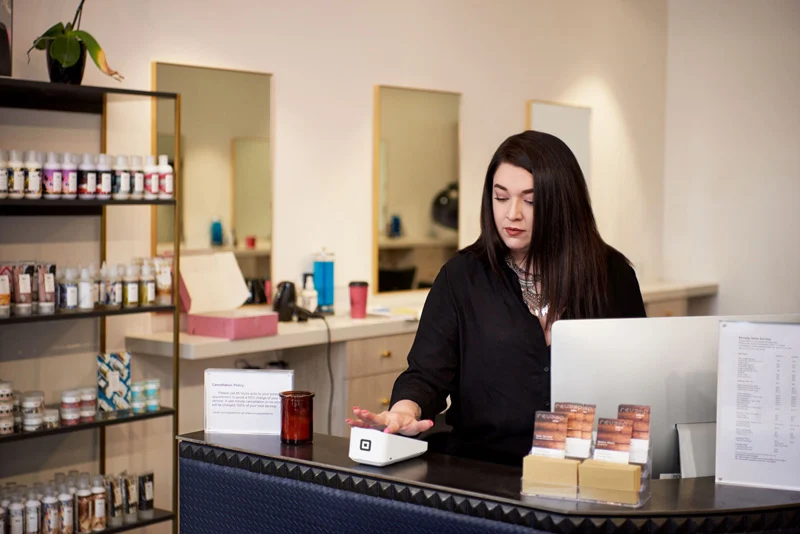
A beauty-business owner works at her cream-and-gold salon counter
Representative photograph for Beauty; it does not depict Nail Salon specifically.

Built for your day-to-day

How it fits your business

Give clients a 24/7 way to book manicures, pedicures, fills, and nail art, then use profiles, rebooking tools, waitlists, and targeted campaigns to turn a first appointment into a regular visit. Start with a phone or reader and add a counter setup as the team grows.

Key capabilities

What you can do

  • Book by technician, service, and station

    Create staff calendars, assign chairs or stations to services, and let clients book online or from a website widget. Google Calendar sync, social booking, and multiple locations help prevent double-booking as the salon grows.

  • Protect valuable appointment time

    Use reminders, card-on-file details, deposits, cancellation rules, and no-show fees to reduce empty chair time. A waitlist can help refill openings created by late cancellations.

  • Check out at the chair or front desk

    Take tap, dip, swipe, digital-wallet, Cash App Pay, Afterpay, or card-on-file payments, and configure tipping so clients can recognize their nail technician. Tap to Pay can work without a separate reader.

  • Build repeat visits and retail sales

    Keep service and product sales together, track aftercare or polish inventory, sell gift cards, and use customer history, loyalty, and marketing campaigns to encourage rebooking and seasonal offers.

  • See team and salon performance

    Use appointment, sales, future-booking, team-performance, labor, and inventory reporting to understand utilization, commissions, retail movement, and upcoming revenue.

Explore the details

Product details

Plans for a one-person studio or a multi-tech salon

Square Free is $0 per month per location and includes online booking, reminders, unlimited calendars, and invoicing. Square Plus is $49 per month per location and adds lower processing rates, cancellation and no-show fees, multi-staff appointment booking, waitlists, and email/text marketing. Square Premium is $149 per month per location and adds the lowest listed card-present rate, 24/7 support, future-bookings reporting, service-cost tracking, and resource management. Plus and Premium offer a 30-day trial; features and pricing can change. Businesses processing more than $250,000 annually can ask Square about custom pricing and fees.
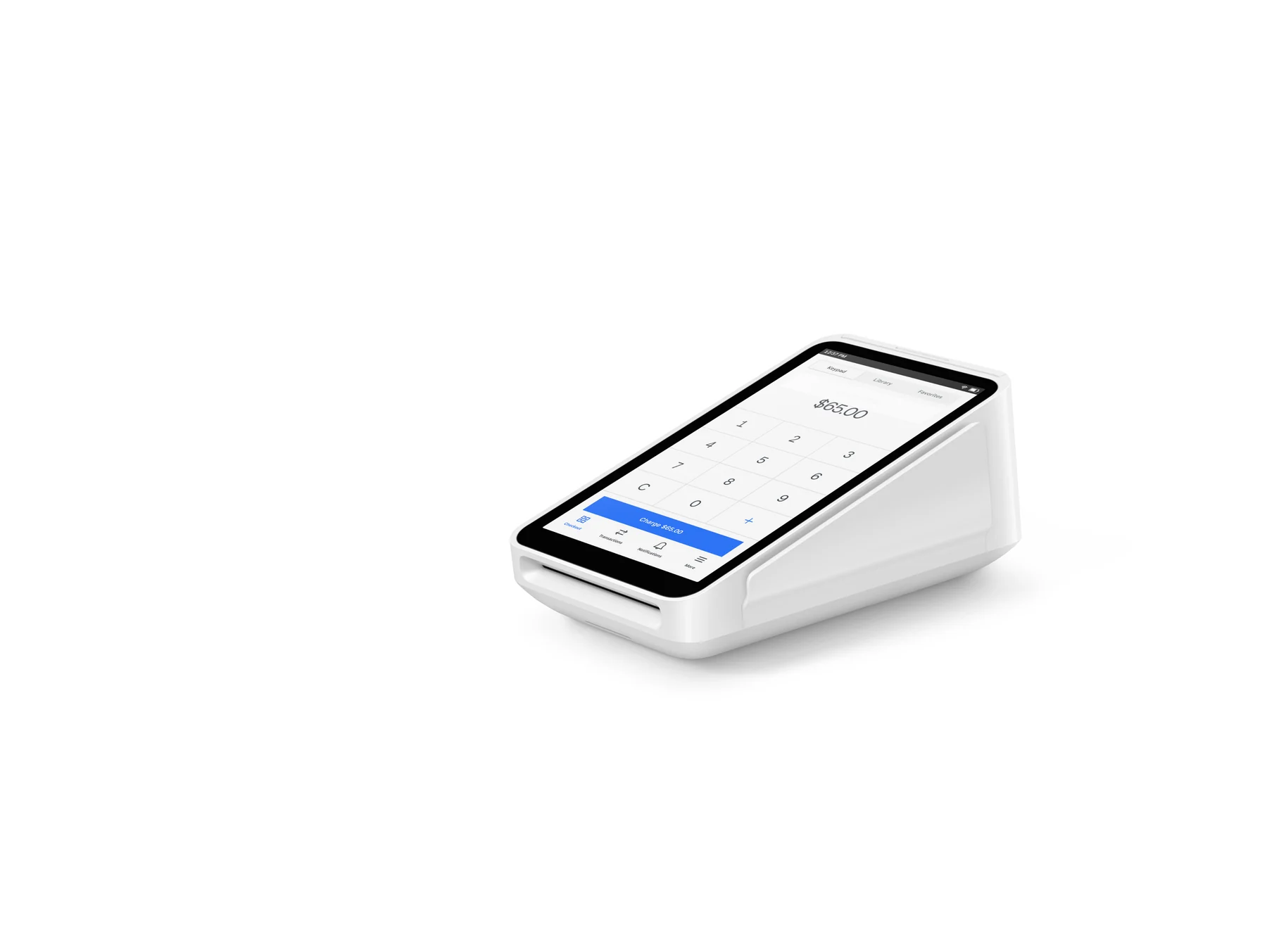
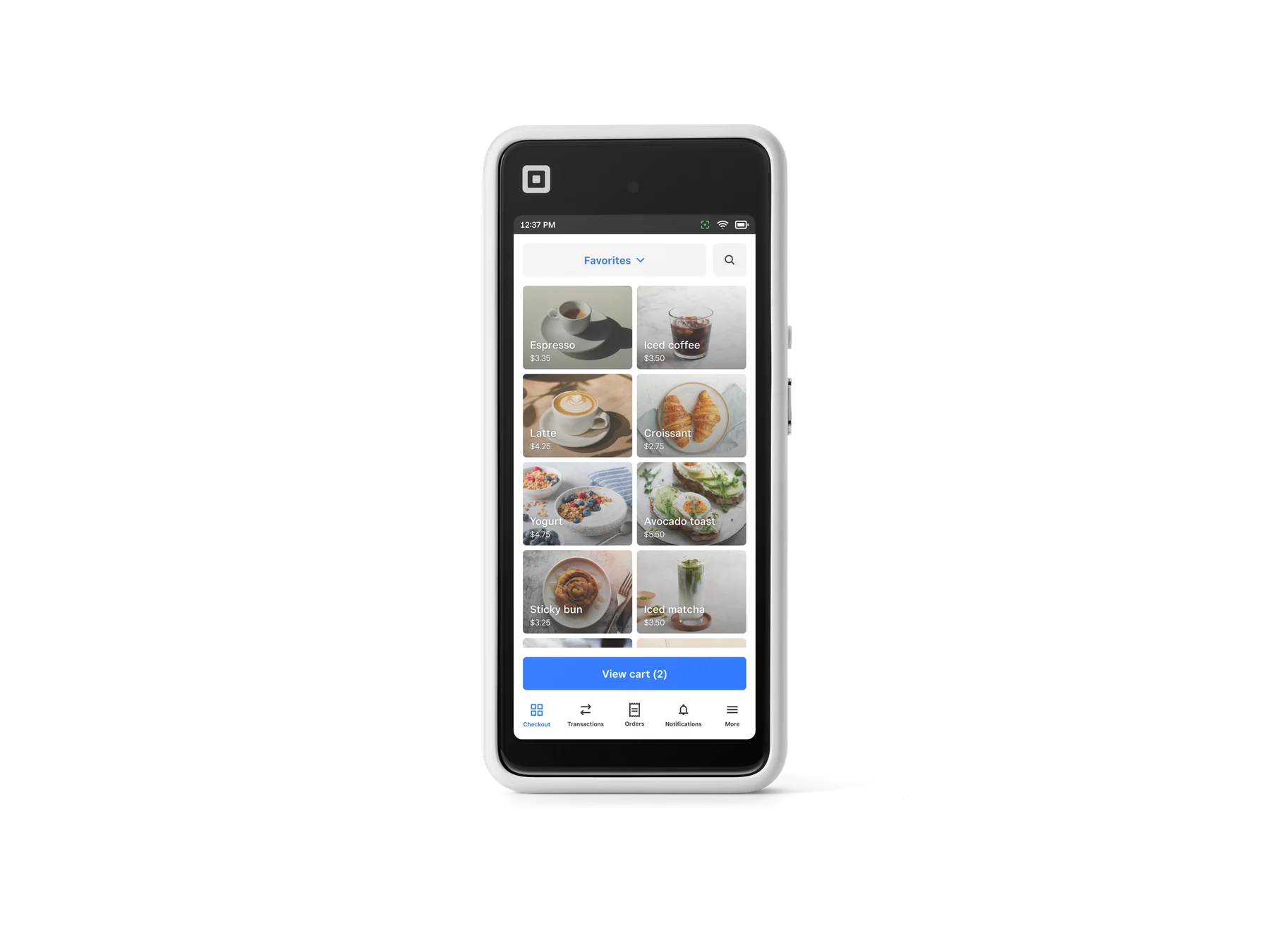
Hardware that fits the salon floor

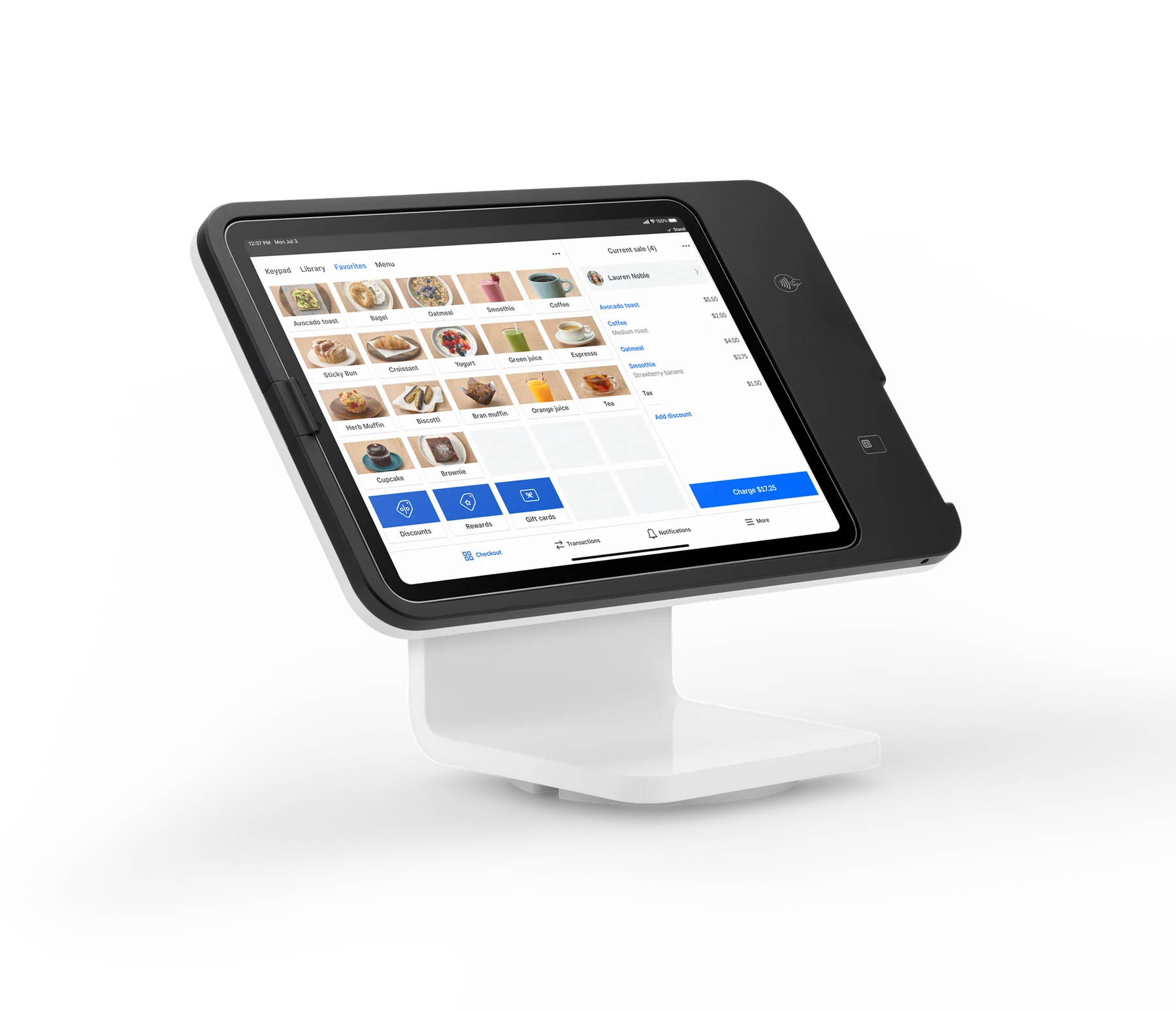
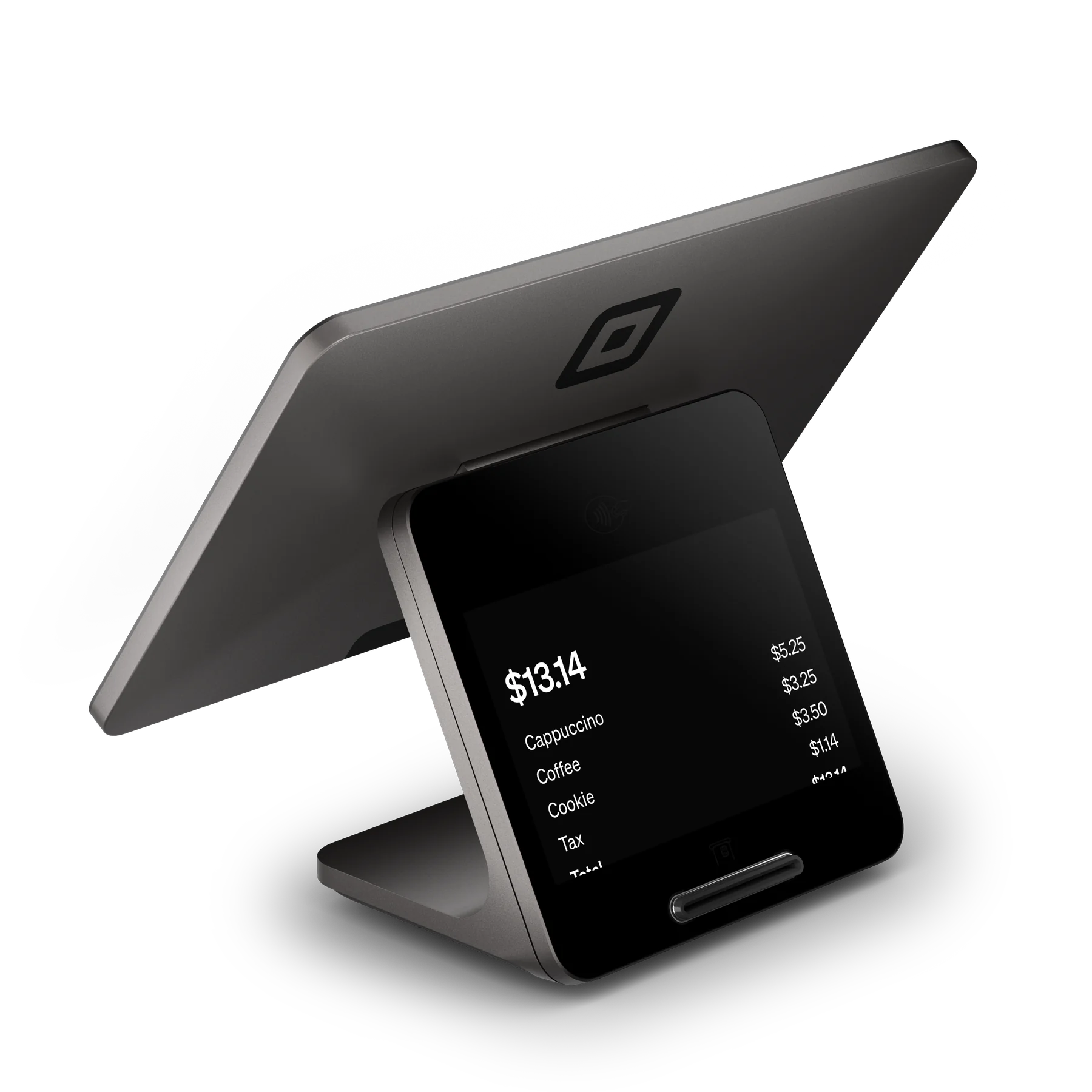
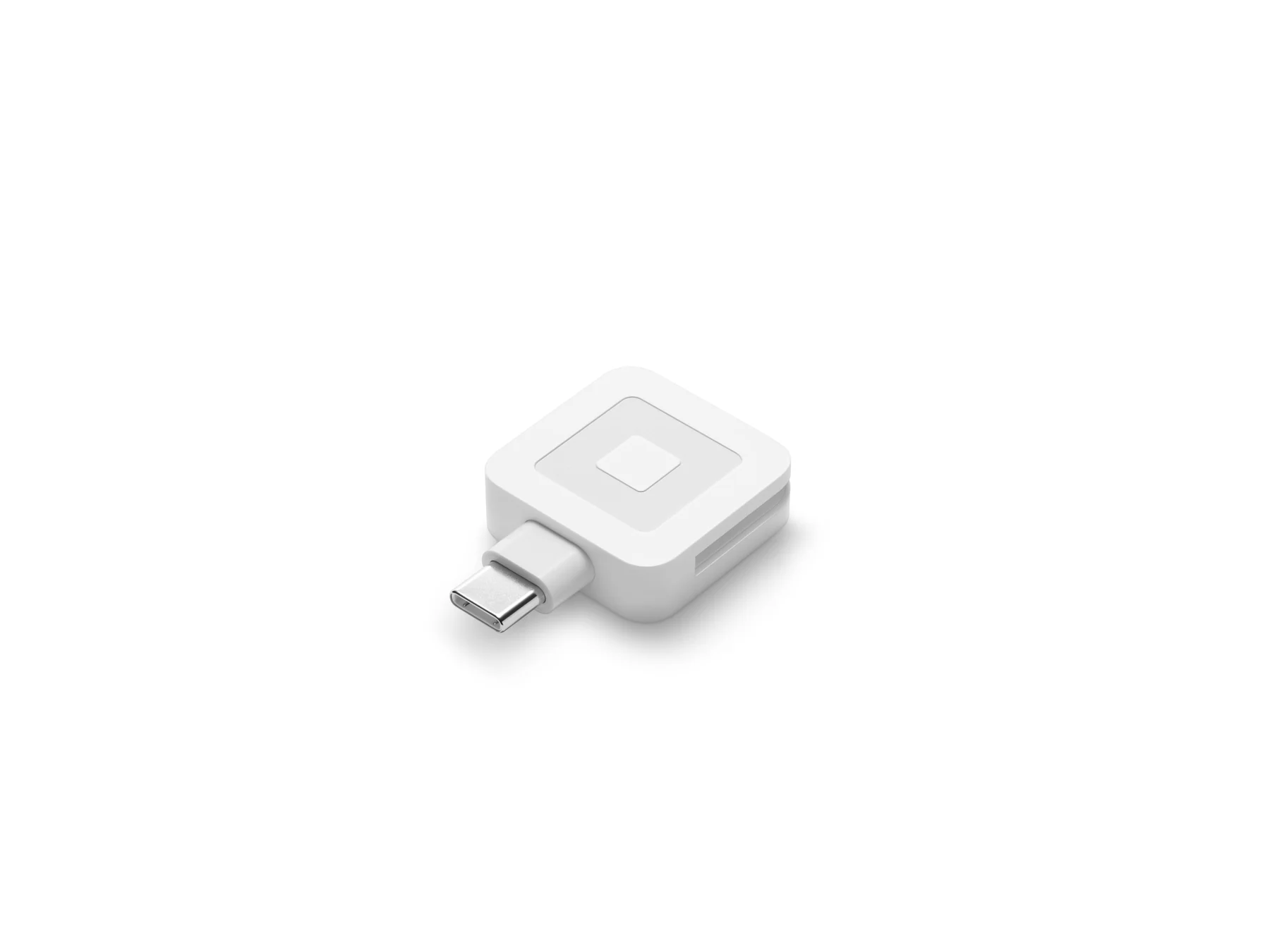
A salon can start with Tap to Pay on a supported phone, then add Square Reader for contactless and chip ($59), Square Terminal ($299), Square Handheld ($399), Square Stand ($149 plus a compatible iPad), or Square Register (2nd generation) ($899). Square Stand requires a supported USB-C iPad and Wi-Fi or Ethernet; Terminal and Register are standalone countertop options, while Handheld supports mobile checkout. The first Square Reader for magstripe is free, subject to Square's one-redemption offer.

Published U.S. payment costs

For the published Appointments plans, card-present tap, dip, or swipe is 2.6% + 15¢ on Free, 2.5% + 15¢ on Plus, and 2.4% + 15¢ on Premium. Online or invoice card payments are 3.3% + 30¢ on Free and 2.9% + 30¢ on Plus or Premium. Manual entry or card-on-file payments are 3.5% + 15¢; Afterpay is 6% + 30¢; ACH via invoice is 1% with a $1 minimum (Plus/Premium cap the fee at $10). Cash and checks have no Square processing fee. Instant transfers cost 1.95% per transfer. These are standard published rates, not a guarantee of eligibility or a custom quote.

Important compatibility and operating limits

Tap to Pay on iPhone requires iPhone XS or later running iOS 15.5 or later and accepts contactless methods rather than every physical card type. Offline payments require reconnecting within 24 hours and leave the seller responsible for expired, declined, or disputed offline transactions. Square Stand requires a compatible iPad; its Kiosk Lite mode requires Square Plus or Premium and is designed for self-service ordering, so it is not a natural substitute for a technician-led nail-service booking flow. Afterpay has separate eligibility criteria and possible late fees.

U.S. Square Appointments plans are Free ($0/location/month), Plus ($49/location/month), and Premium ($149/location/month). Plus and Premium have 30-day trials. Hardware is optional; published examples range from $59 for Square Reader for contactless and chip to $899 for Square Register (2nd generation). Businesses processing over $250,000 annually may request custom pricing and processing fees.

Upfront hardware (USD)$59
Monthly software (USD)$0

Fees & eligibility

  • Card-present tap, dip, or swipe — Square Free

    U.S. Square Free plan; card present

    2.6% + 15¢ per transaction
  • Card-present tap, dip, or swipe — Square Plus

    U.S. Square Plus plan; card present

    2.5% + 15¢ per transaction
  • Card-present tap, dip, or swipe — Square Premium

    U.S. Square Premium plan; card present

    2.4% + 15¢ per transaction
  • Online or invoice card payment

    U.S. online or invoice card payment

    3.3% + 30¢ Free; 2.9% + 30¢ Plus/Premium
  • Manual entry or card on file

    U.S. manually keyed or saved-card payment

    3.5% + 15¢ per transaction
  • Afterpay

    Eligible U.S. Afterpay transaction; eligibility and late-fee terms apply

    6% + 30¢ per transaction
  • ACH bank transfer via invoice

    U.S. invoice paid by ACH

    1%, $1 minimum; $10 fee cap on Plus/Premium
  • Instant transfer

    Same-day/instant transfer option; linked bank account or supported debit card required

    1.95% per transfer

Requirements

  • Square account and U.S. payment-processing eligibility are required; Square may review or limit accounts.
  • Square Stand requires a compatible USB-C iPad, power, and Wi-Fi or Ethernet.
  • Tap to Pay on iPhone requires iPhone XS or later with iOS 15.5 or later; Android requires a compatible device.
  • Plus and Premium monthly prices apply per location; custom pricing is only discussed for qualifying businesses, including those processing over $250,000 annually.

Verified against official Square U.S. pages on 2026-10-27; prices, rates, plan features, and hardware availability can change.

Hardware installment plans are subject to credit approval and other factors; published installment terms exclude some states and may require qualifying purchase amounts.

Offline payments must reconnect within 24 hours; the seller is responsible for expired, declined, or disputed offline payments.

Marketing, loyalty, payroll, banking, and some messaging capabilities may require separate subscriptions, eligibility, or additional fees.

Square Kiosk Lite and Square Kiosk require paid plans and are intended for self-service ordering; they are not presented as a nail-service-specific workflow.

Afterpay eligibility criteria and possible late fees apply; customers pay over time while the seller receives payment up front under Square's stated terms.

Questions

Frequently asked questions

Can a nail salon take payment without buying hardware?

Yes. Square says hardware is optional. A salon can use Tap to Pay on iPhone or Android, invoices, payment links, or Virtual Terminal. Tap to Pay on iPhone requires iPhone XS or later with iOS 15.5 or later and accepts contactless cards and digital wallets.

Which Square plan supports cancellation fees and multi-technician bookings?

Square Plus includes cancellation and no-show fees, multi-staff appointment booking, waitlists, and email/text marketing at $49 per location per month. Premium includes those Plus features and adds resource management, service-cost tracking, and future-bookings reporting at $149 per location per month.

Can clients book a nail appointment from the salon website?

Yes. Square documents a 24/7 online booking site plus website widgets or buttons, QR-code booking, and booking integrations. The nail-salon page also says clients can view availability by nail technician and can be asked for prepayment or card details to reduce no-shows.

Sources & product information

Ready when you are

Talk through the options for your business.