Software solution

Square Inventory Management

Keep every shelf, sales channel, and stock decision in sync

Square Inventory Management connects stock counts to Square Point of Sale and Square Online, so a sale can reduce the available quantity instead of leaving staff to reconcile spreadsheets later. A small shop can start with Square Free’s basic item and catalog tools; growing retailers can add Square Plus for low-stock alerts, stock intake, vendor and purchase-order workflows, unit costs, counts, barcode labels, and inventory reporting.

Built for your day-to-day

How it fits your business

Premium adds deeper cross-location workflows and support. For restaurants that need ingredient-level recipes, waste, and theoretical-versus-actual usage, Square points to its separate MarketMan add-on rather than treating finished-item tracking as a full food-cost system.

Key capabilities

What you can do

  • Live stock across the places you sell

    When tracking is enabled, Square updates stock from Point of Sale sales, Square Invoices, and orders shipped through Square Online. The shared item library helps keep names, variations, prices, and availability aligned across channels and locations.

  • Faster receiving and replenishment

    Square Plus and Premium support vendor profiles, purchase orders, bulk intake, CSV or Excel purchase-order import, and barcode-label printing. Low-stock alerts give a team a practical prompt to reorder before a popular item disappears.

  • Counts that fit a real stockroom

    Teams can run full or cycle counts from compatible iOS and Android POS devices, scan with a supported barcode reader or device camera, count by configured units, and review variances before approval. Cycle counts avoid resetting uncounted variations to zero, which is important during a partial aisle-by-aisle count.

  • See margin and movement, not only quantity

    Plus and Premium can attach unit costs and expose reports such as cost of goods sold, sell-through, aging inventory, projected profit, and vendor sales. Those views help a retailer decide what to reorder, markdown, or stop carrying.

  • Extend the workflow with compatible hardware and apps

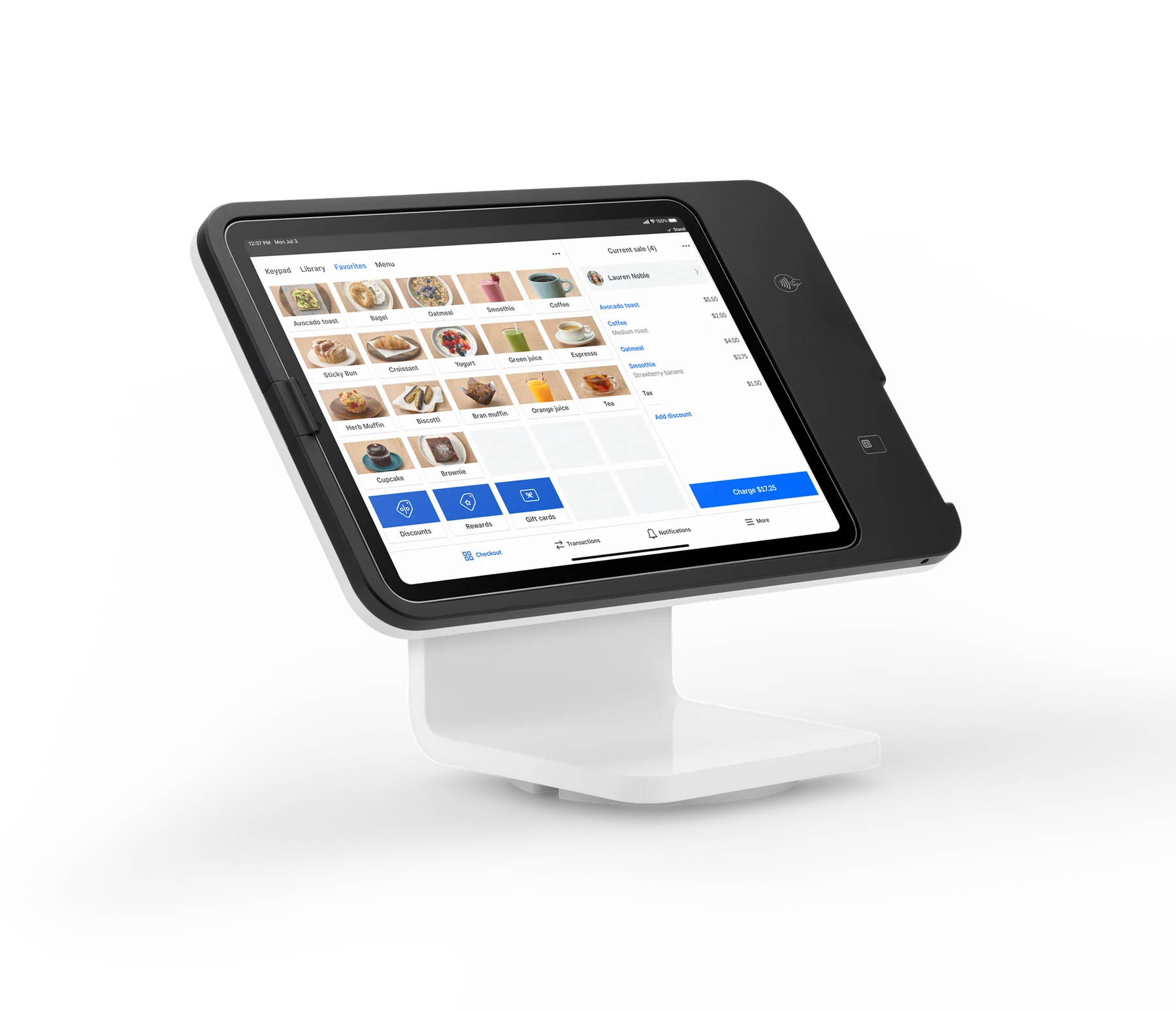
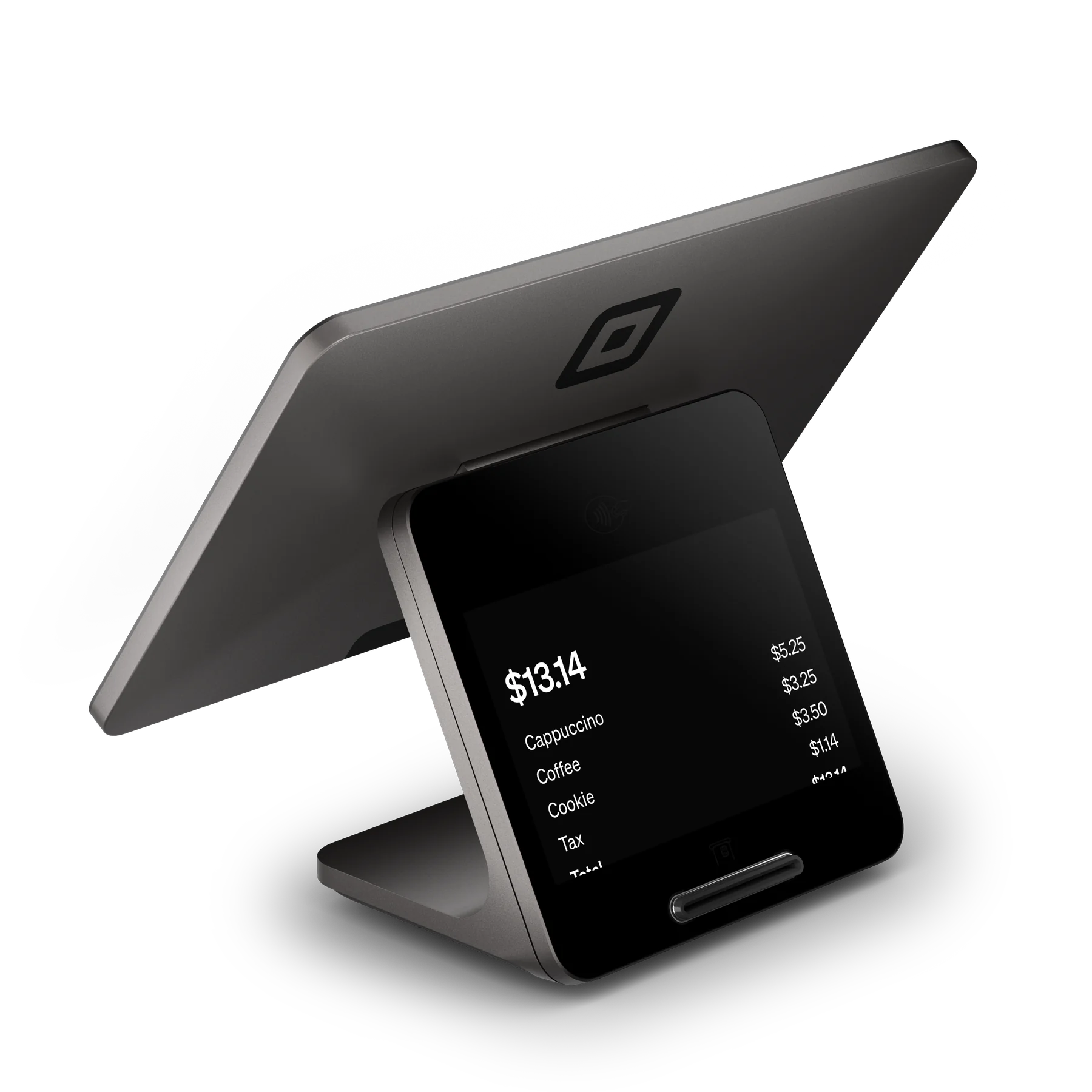
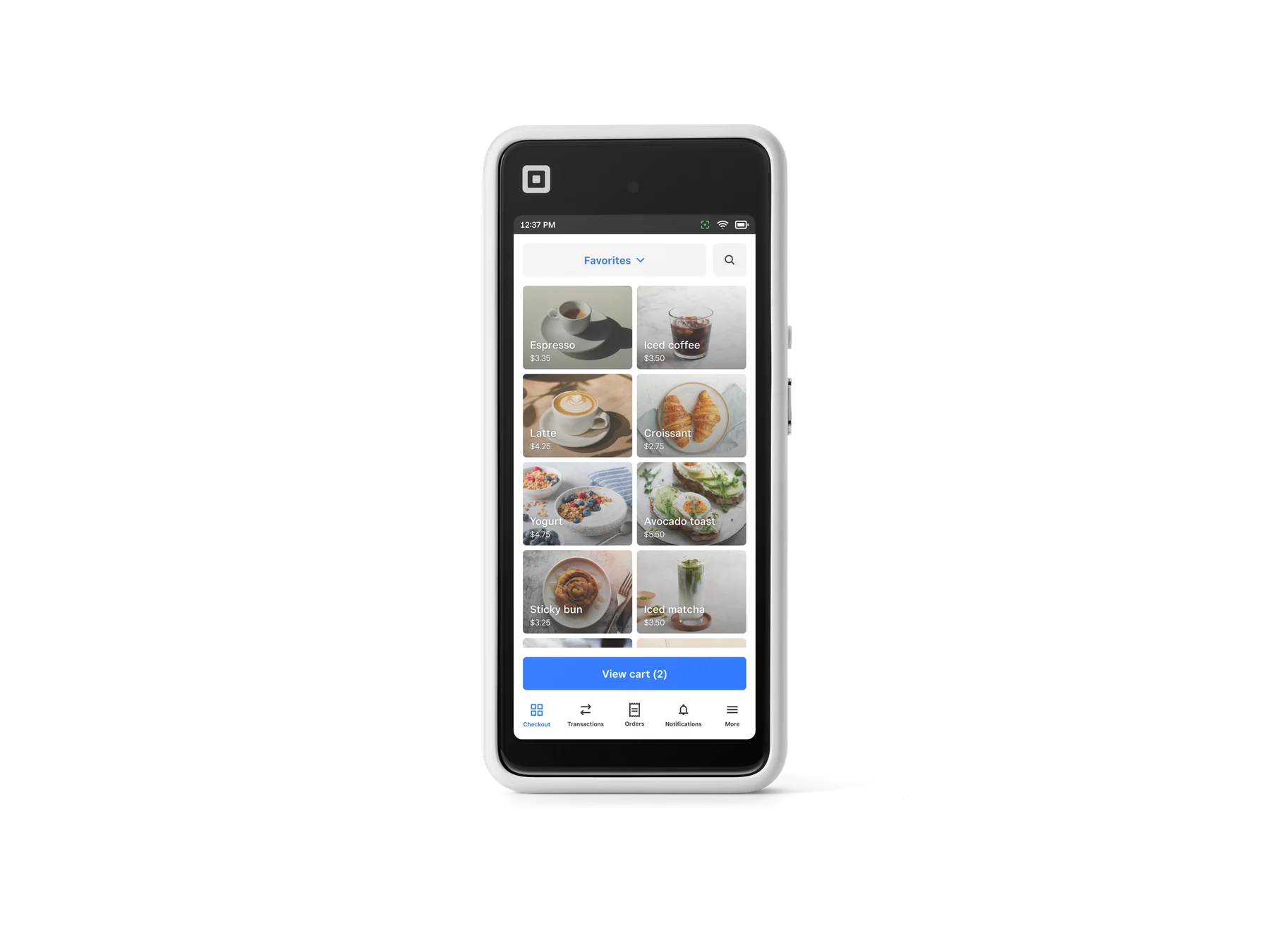
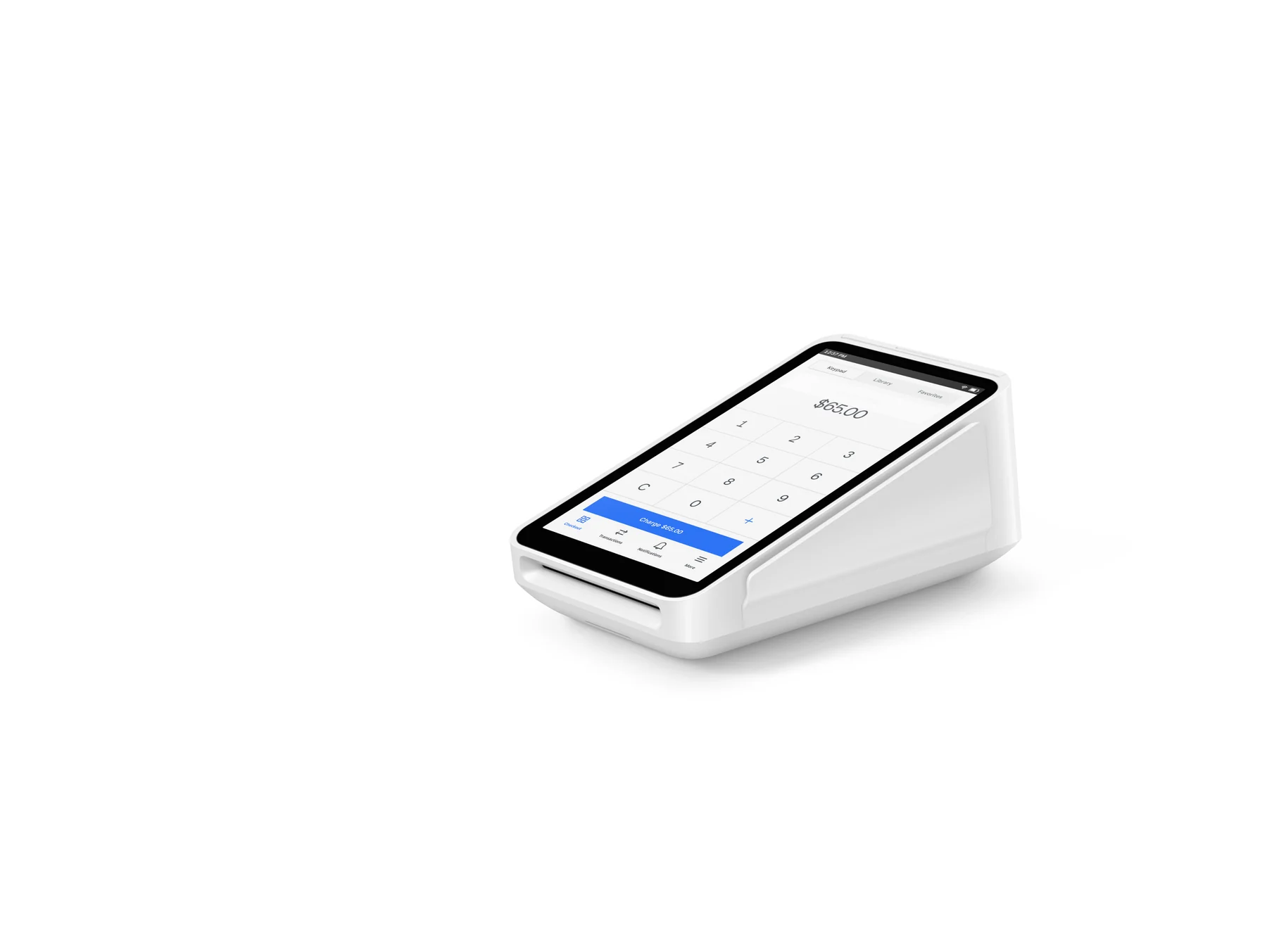
    Square supports inventory work on devices such as Square Handheld, Terminal, Stand, and Register, with selected USB and Bluetooth scanners. The App Marketplace can connect third-party inventory tools when the native catalog is not enough.

Explore the details

Product details

Plans and capability boundaries

Square Free includes basic item and catalog management. Square Plus is $49 per month per location and is the practical entry point for the advanced retail inventory set: low-stock alerts, stock intake, vendor and purchase-order management, unit costs, counts, barcode labels, and inventory reports. Square Premium is $149 per month per location and adds features such as cross-location returns and fulfillment, transfer orders, and 24/7 phone support. Features can vary by the seller’s Square plan and enabled mode; confirm the account’s current plan comparison before publishing a buying recommendation.
Restaurant limitation and the MarketMan option

Native Square inventory is strongest for finished sellable items. Square’s U.S. restaurant page positions Square Restaurant Inventory by MarketMan as a separate add-on for ingredient-level tracking, recipes, waste, par levels, vendor price comparisons, invoice capture, and food-cost reporting. It requires Square Plus or Premium and adds $99 per month per location; the page says pricing is for sellers new to MarketMan. This is not the same product tier as basic finished-goods inventory.

Operational caveats

Inventory tracking must be enabled for item variations, and items must exist in the Square item library. Bulk updates use Square’s Excel or CSV templates; custom templates are not supported. A full count sets uncounted variations to zero after approval, while a cycle count leaves uncounted items unchanged. Device, scanner, operating-system, permissions, and location assignments matter, so validate the exact hardware combination before purchasing.

U.S. pricing verified October 27, 2026: basic item management is included with Square Free; advanced retail inventory starts with Square Plus at $49/month per location, and Premium is $149/month per location. Square Restaurant Inventory by MarketMan is an optional $99/month per location add-on to Plus or Premium for ingredient-level restaurant inventory. No hardware is required for the software, but current listed hardware examples are $399 Square Handheld, $299 Square Terminal, $149 Square Stand, $899 Square Register (2nd generation), $59 Square Reader for contactless and chip, and first Square Reader for magstripe free. Hardware prices are before applicable taxes; financing has separate credit, state, purchase-amount, APR, and approval conditions.

Monthly software (USD)$49

Fees & eligibility

  • Square Plus subscription

    Advanced retail inventory features; U.S. published price verified 2026-10-27.

    $49/month per location
  • Square Premium subscription

    More advanced retail capabilities and 24/7 phone support; U.S. published price verified 2026-10-27.

    $149/month per location
  • Square Restaurant Inventory by MarketMan

    Requires Square Plus or Premium; Square states this pricing is for sellers new to MarketMan.

    $99/month per location add-on
  • In-person card processing on Square Free

    Tap, dip, or swipe; published U.S. retail-plan rate.

    2.6% + $0.15 per payment
  • In-person card processing on Square Plus

    Tap, dip, or swipe; published U.S. retail-plan rate.

    2.5% + $0.15 per payment
  • In-person card processing on Square Premium

    Tap, dip, or swipe; published U.S. retail-plan rate.

    2.4% + $0.15 per payment
  • Online card processing

    Applies to online or invoice card payments under the published U.S. retail pricing table.

    3.3% + $0.30 per payment on Free; 2.9% + $0.30 on Plus or Premium
  • Square hardware examples

    One-time listed hardware prices before taxes; not required to use the software. Financing and eligibility terms apply where offered.

    $399 Handheld; $299 Terminal; $149 Stand; $899 Register (2nd generation); $59 Reader for contactless and chip; first magstripe reader free

Requirements

  • A U.S. Square account with an active Square subscription and linked bank account/identity verification to activate payments.
  • Items and item variations must exist in the Square item library; inventory tracking must be enabled for the variations being counted.
  • Advanced retail features require the applicable Square Plus or Premium subscription and location billing.
  • Use the latest Square app on supported iOS or Android hardware; scanner compatibility varies by model and connection type.
  • Team members need the relevant item and inventory permissions; multi-device full counts require devices logged into the same location.
  • Restaurant ingredient-level workflows require the separate MarketMan add-on rather than basic finished-item tracking.

This record reflects official Square U.S. English pages checked on 2026-10-27; prices and feature packaging can change.

Square Free provides basic item/catalog management, but several workflows described as advanced inventory require Plus or Premium.

A full inventory count can set uncounted variations to zero after approval; use cycle counts when only part of the stock is being audited.

Hardware compatibility is model- and connection-specific. The Square compatibility table should be checked for the exact scanner, printer, iOS/iPadOS, Android, and POS combination.

Payment processing rates are separate from the inventory subscription and apply by payment channel, card-present status, plan, and other Square terms.

Offline payments have additional terms and operational liability; this record does not treat offline mode as a substitute for inventory synchronization.

Questions

Frequently asked questions

Can a small store use Square inventory without paying for Square Plus?

Yes. Square Free includes basic item and catalog management, and Square says inventory tracking can update stock from connected Square sales channels. The advanced retail set—such as vendor and purchase-order management, unit costs, barcode labels, detailed inventory reporting, and richer counting workflows—requires the applicable paid plan.

Does Square Inventory Management track restaurant ingredients and recipes?

Not in the same way as a dedicated ingredient-costing system. Square’s U.S. restaurant offering directs businesses needing recipes, ingredient-level usage, waste, par levels, vendor comparisons, and food-cost reporting to Square Restaurant Inventory by MarketMan, a $99/month per-location add-on to Square Plus or Premium.

What hardware works for inventory counts and barcode scanning?

Square documents full and cycle counts on iOS and Android devices, including Square Register, Square Terminal, and Square Handheld. Its compatibility table lists specific USB and Bluetooth scanner models by device; compatibility is not universal, so check the exact model before ordering.

Sources & product information

Ready when you are

Talk through the options for your business.