Software solution

Square Dashboard & Reporting

See what is selling, where money is moving, and what needs attention

Square Dashboard gives a U.S. business a web-based command center for sales, transfers, invoices, customers, items, and team activity. Its free reporting layer turns transactions into comparisons by date, item, location, staff member, and customer, with CSV exports for bookkeeping.

Built for your day-to-day

How it fits your business

Owners can check performance remotely in a browser or the U.S. Square Dashboard app, while operators use the same account to update catalogs, manage inventory, take keyed payments through Virtual Terminal, or compare locations. The important plan distinction is that everyday Dashboard and Analytics access is free with a Square account; Square’s pricing page reserves deeper advanced reporting for Premium.

Key capabilities

What you can do

  • Make daily sales understandable

    Review sales by item, time period, location, employee, and customer, then compare recent performance with prior periods instead of assembling a spreadsheet by hand.

  • Keep more than one location in view

    Owners can compare locations and manage shared menu or price changes from Dashboard, which is useful when a bakery, café, retailer, or service brand is operating multiple sites.

  • Export practical bookkeeping data

    Download current CSVs for transactions, transfers, item sales, and staff sales so an accountant or operator can reconcile activity outside Square.

  • Act while you are away from the counter

    The web Dashboard exposes reports and the U.S. iPhone and Android app provides real-time access to essential performance and management tasks, helping an owner spot a slow day or a low-stock item before returning onsite.

  • Connect insight to an operational task

    From the same account, sellers can update item quantities, manage customer information, create promotions, book appointments, send invoices, and take remote card payments through Virtual Terminal.

Explore the details

Product details

What is included and what is plan-gated

Square documents Dashboard reporting and Square Analytics as free with a Square account. The current U.S. pricing page separately labels Advanced reporting as a Premium capability. Square Premium is listed at $149 per month per location in Square’s U.S. unified-plan announcement; Square Free is $0 per month per location and Square Plus is $49 per month per location. Confirm the report or feature name in the account before promising a particular advanced report, because the pricing matrix distinguishes standard sales insights from advanced reporting.
Compatibility and operating model

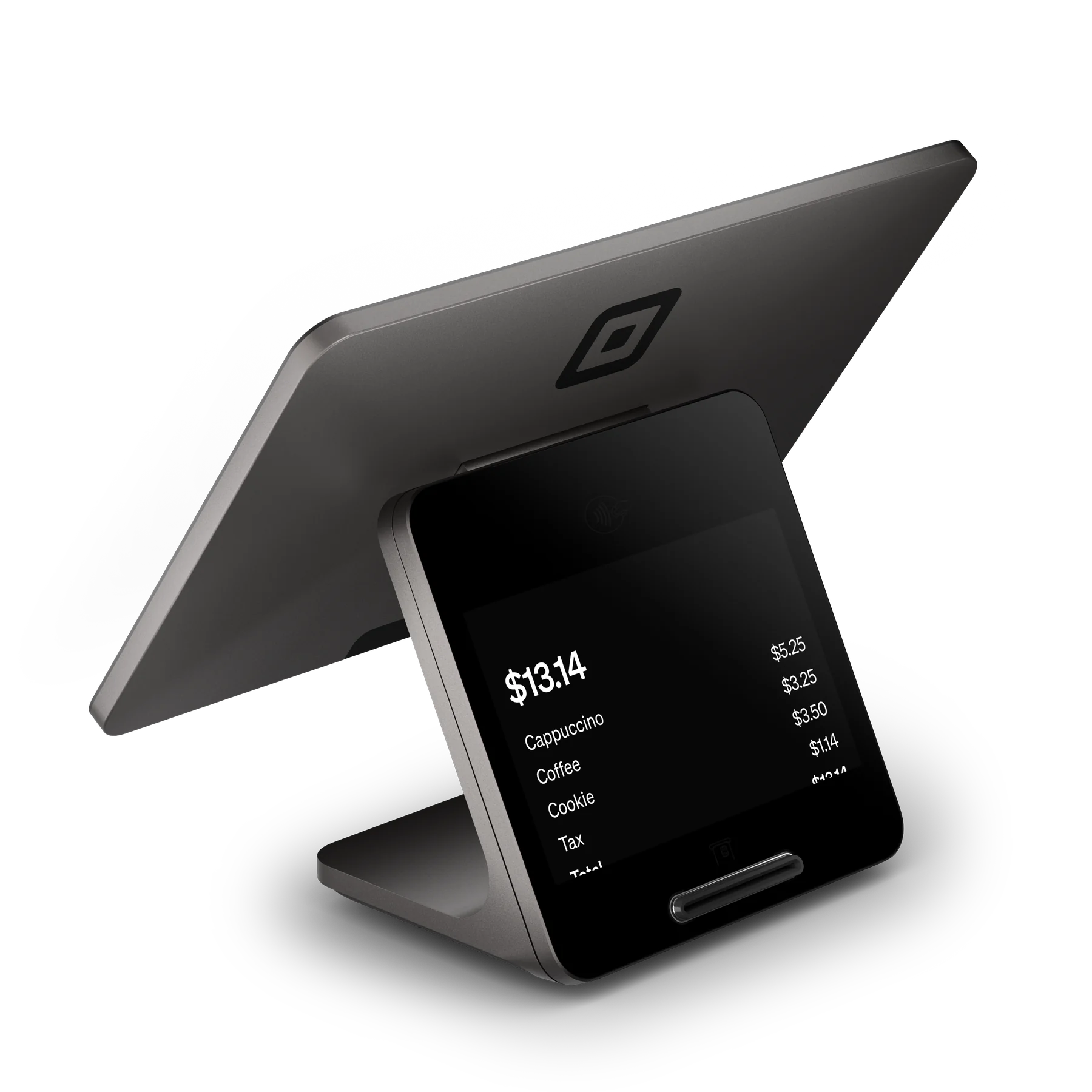
Dashboard is primarily a Square account service used at Square.com, with official U.S. iPhone and Android Dashboard apps. It works alongside Square’s POS modes and listed POS hardware, but hardware is not required for Square POS: Square says a seller can use Tap to Pay on a compatible phone or key in a card number. A business still needs a Square account and an internet-connected supported device for normal web or app access.

Meaningful limitations

The mobile app is described as providing essential features; the web Dashboard is the documented place to access all reports. Core reporting reflects data captured in Square, so it is not an independent accounting or cross-platform analytics warehouse. Hardware prices are separate, and payment processing fees still apply when the business accepts a payment. Some plan and report availability can vary by the seller’s selected plan, business mode, and account rollout.

Core Square Dashboard and standard Square Analytics are free with a Square account. Square Free is $0/month per location; Square Plus is $49/month per location; Square Premium is $149/month per location and is the tier Square’s U.S. pricing page identifies with advanced reporting. Hardware is sold separately. The current published plan rates below are payment-processing fees, not a Dashboard subscription charge.

Monthly software (USD)$0

Fees & eligibility

  • Square Free in-person tap, dip, or swipe

    U.S. Square Free plan; applies when a card is present.

    2.6% + $0.15 per card-present payment
  • Square Plus in-person tap, dip, or swipe

    U.S. Square Plus plan; applies when a card is present.

    2.5% + $0.15 per card-present payment
  • Square Premium in-person tap, dip, or swipe

    U.S. Square Premium plan; applies when a card is present.

    2.4% + $0.15 per card-present payment
  • Online card payment or invoice card payment

    U.S. published pricing; applies to card payments made online or through an invoice.

    3.3% + $0.30 per payment on Free; 2.9% + $0.30 on Plus and Premium
  • Manually entered card or card on file

    U.S. published pricing; applies when the card number is manually entered or a saved card on file is used.

    3.5% + $0.15 per payment

Requirements

  • A U.S. Square account is required; Dashboard and standard Analytics are documented as free with the account.
  • Use Square.com for the complete report set; the official mobile app is for essential real-time features.
  • A compatible internet-connected browser, iPhone, or Android device is needed for ordinary access.
  • Advanced reporting requires the applicable Premium plan according to current U.S. pricing; verify feature availability in the account.
  • Square payment-processing fees apply only when the seller accepts a payment and vary by payment method and plan.
  • Square hardware is optional for POS and is purchased separately; Tap to Pay on a compatible phone or keyed entry can be used instead.

Verified against official Square U.S. English pages on 2026-10-27; no non-U.S. pricing or regional page was used.

The $0 monthly figure describes the core Dashboard and standard Analytics access, not every report or every Square service.

Square’s current pricing page identifies Advanced reporting as a Premium capability; individual report availability may depend on plan, business mode, and account rollout.

Processing rates are per payment and are not a fee for viewing Dashboard reports.

Square may change prices, plan packaging, supported devices, or feature availability; confirm the live U.S. pricing page before publication or purchase.

No hardware price is asserted here because hardware pricing is separate from this software record and was not needed to establish Dashboard compatibility.

Questions

Frequently asked questions

Do I need a paid subscription to use Square Dashboard?

No for the core service: Square describes Dashboard and standard reports as free with a Square account. The current U.S. pricing page separately reserves Advanced reporting for Premium, so a paid plan may be needed for deeper report capabilities.

Can I use Square Dashboard without buying Square hardware?

Yes. Dashboard is a web and mobile account service, and Square says POS hardware is not required to take payments: a seller can use Tap to Pay on a compatible phone or key in a card number. Hardware can still be added for a countertop, handheld, or reader-based workflow.

What can I export from Square Analytics?

Square’s U.S. Analytics page says sellers can download CSVs for transactions, transfers, and sales by item and staff. The web Dashboard is the documented place to access all reports; the mobile app is described as covering essential features.

Sources & product information

Ready when you are

Talk through the options for your business.