Software solution

Afterpay — Buy Now, Pay Later

Let qualified shoppers split the purchase while your business is paid upfront

Afterpay adds a pay-over-time choice to eligible Square checkouts. Customers can use four interest-free installments over six weeks, while Square says the seller receives the purchase amount upfront, less Afterpay’s transaction fee.

Built for your day-to-day

How it fits your business

For U.S. sellers, the option can appear in Square Online, Payment Links, supported POS products, Appointments, Virtual Terminal, and Square Invoices when the account and merchant category qualify. It is useful for boutiques, specialty retail, and appointment businesses where a larger basket or prepaid service benefits from more flexible checkout. Approval is not automatic: Square makes Afterpay availability visible in Dashboard, and each buyer and order can still be declined by Afterpay.

Key capabilities

What you can do

  • Offer four interest-free installments

    Qualified customers can pay in four installments over six weeks, giving a shopper another way to complete a higher-value purchase without requiring the seller to collect the installments directly.

  • Receive settlement upfront

    Square states that sellers receive the full purchase amount immediately, less the Afterpay processing fee. This is a settlement feature, not a promise that every customer or order will be approved.

  • Use it across online and in-person flows

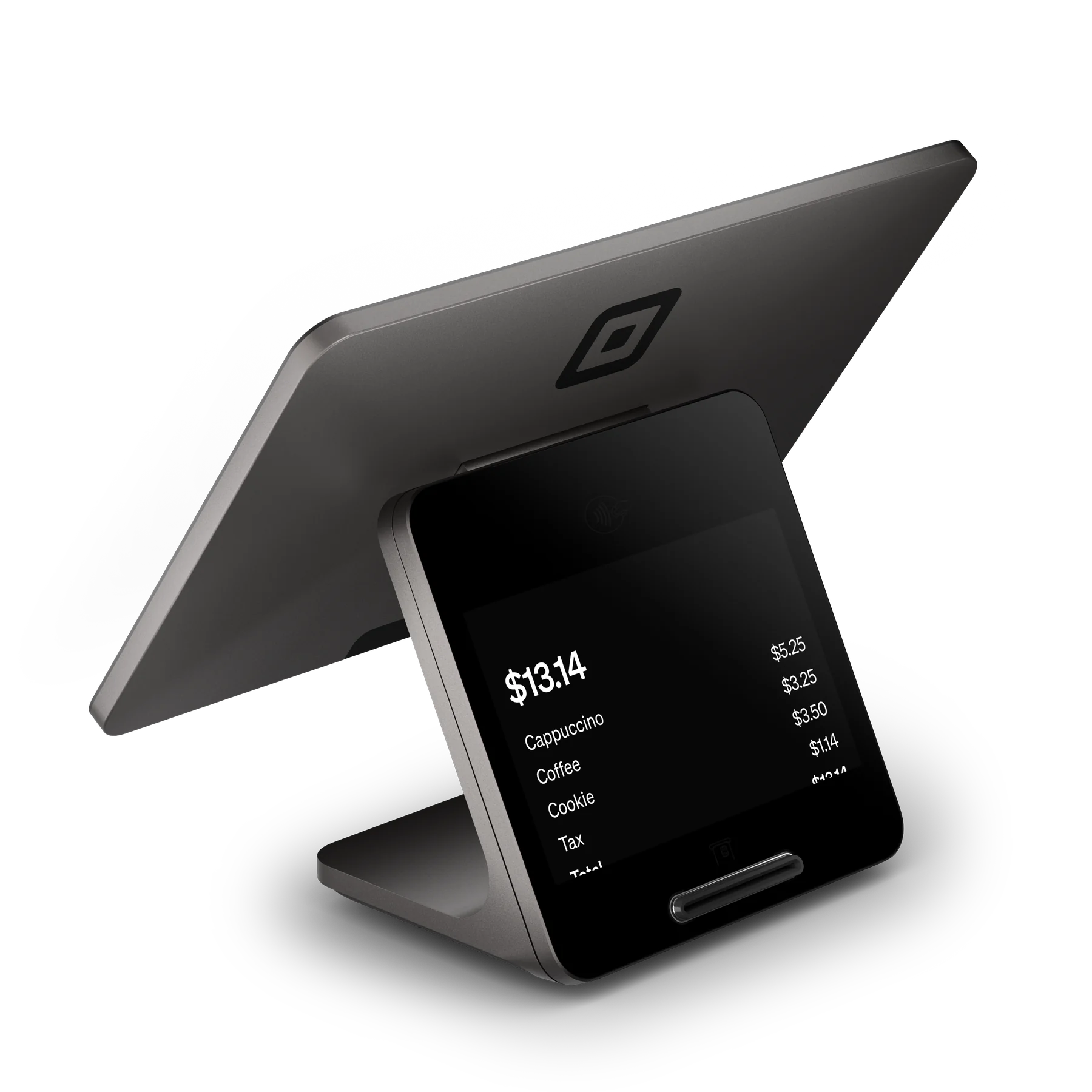
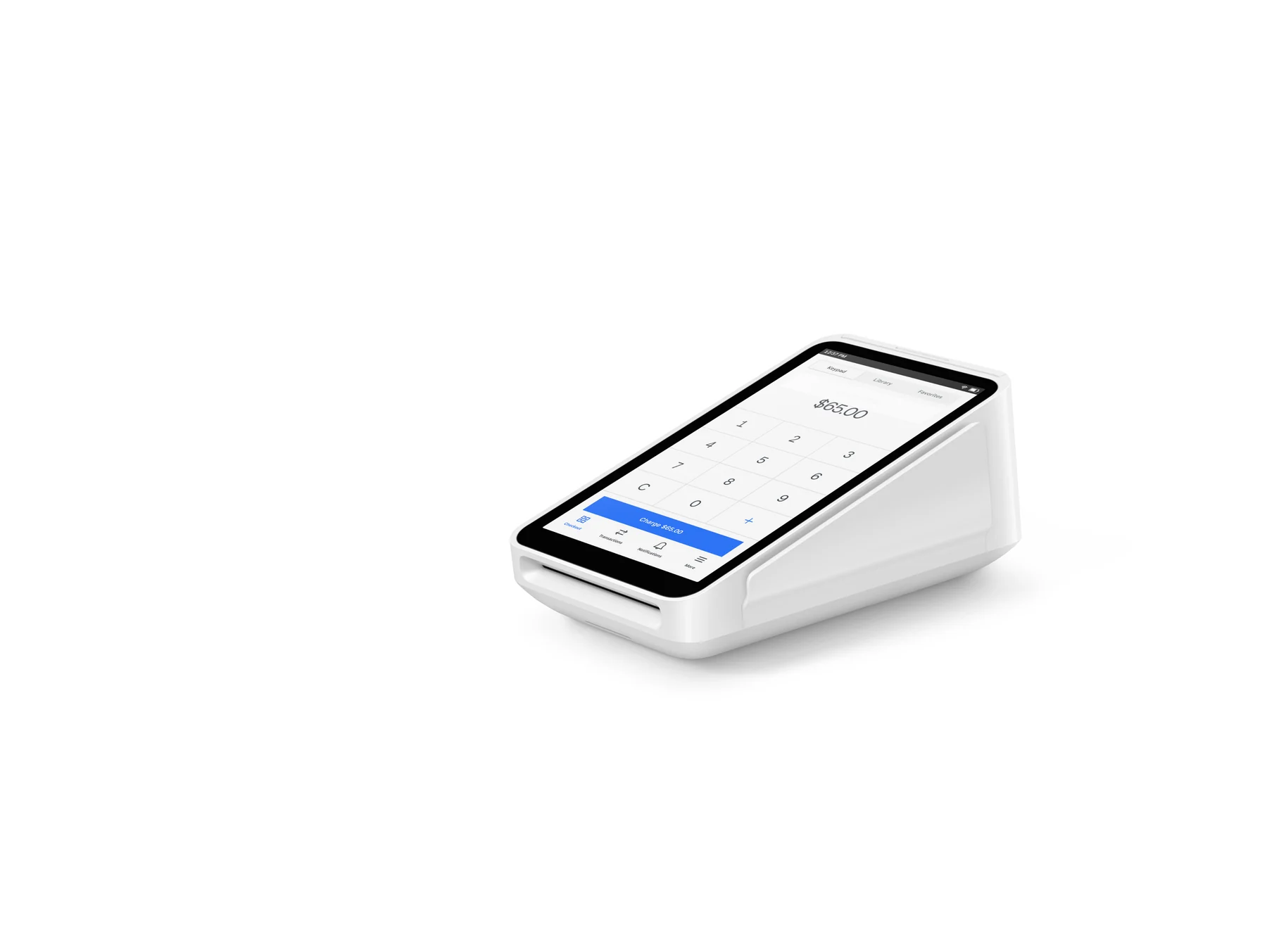
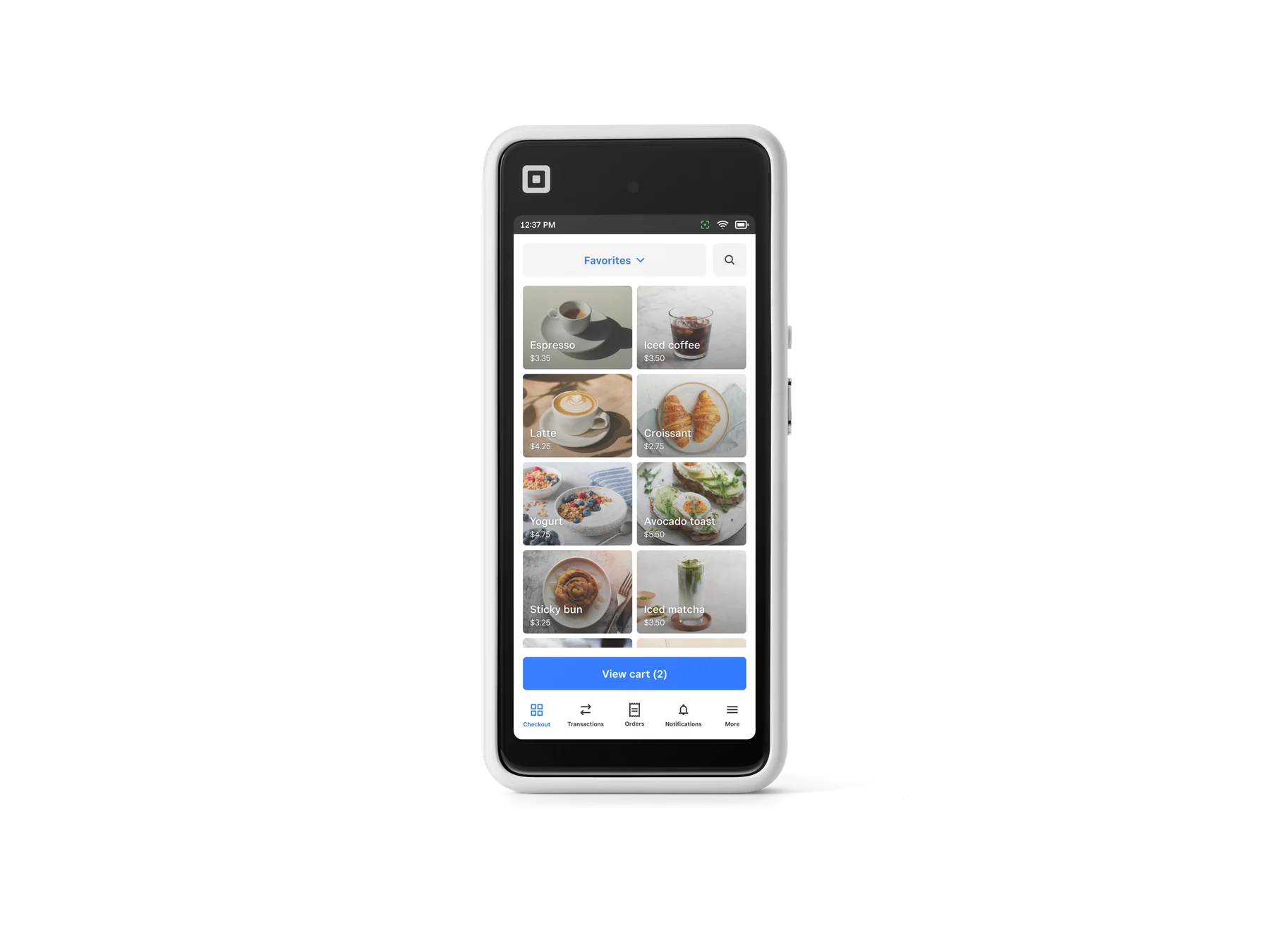
    The official Square integration list includes Square Online, Payment Links, Invoices, Square Point of Sale, Square for Retail, Square for Restaurants, Square Appointments, Virtual Terminal, and the Web Payments SDK. In person, the customer taps an Afterpay Card in a supported mobile wallet.

  • Turn acceptance on or off in Dashboard

    Account owners or team members with the required checkout permissions can configure Afterpay in Square Dashboard. If Afterpay is absent from Payment Methods, Square says the business is not eligible at that time.

  • Keep payment reporting in Square

    Online checkouts and Payment Links feed payment activity into Square Dashboard, while Square POS products handle the in-person transaction flow and receipts. This can reduce reconciliation work for a shop selling both in store and online.

Explore the details

Product details

Plans, setup, and compatibility

Afterpay itself has no monthly fee or startup fee on Square’s U.S. product page; the seller pays when an Afterpay sale occurs. Square Free is presented as having no monthly subscription cost, and Square states that paid Plus and Premium plans are optional rather than prerequisites for the payment method. Enablement still requires a U.S. Square account, an approved merchant category, the appropriate Dashboard permissions, and Afterpay availability in Payment Methods. For online selling, Square says no additional integration is required for Square Online. In person, use a supported Square POS or compatible Tap to Pay device and have the customer tap an Afterpay Card from a digital wallet.
Fees and transaction limits

Square’s current U.S. fees page lists Afterpay at 6% + $0.30 per transaction, with no separate plan fee shown for Afterpay. The fee is separate from ordinary Square card rates and applies to Afterpay transactions. In-person Afterpay in Square’s support article requires a total between $1.00 and $2,000. Square Invoices can offer Pay in 4 and, for qualified customers, Pay Monthly on $400–$4,000 invoices; Pay Monthly uses 6- or 12-month terms and interest determined for the individual and merchant (6.99%–35.99%).

Important operating limits

Afterpay makes an instant approval decision for each consumer and order, so a shopper may be declined at checkout. Square says Afterpay is not supported with offline payments. Invoice Afterpay does not support recurring invoices or partial payments, and Pay Monthly excludes cross-border trade and subscriptions; its U.S. buyer eligibility excludes West Virginia, Nevada, Hawaii, and New Mexico. Square’s merchant terms also prohibit surcharging a customer for choosing Afterpay and restrict categories including alcohol, gambling, tobacco/vaping, prescription or illegal drugs, financial services, software services, health services, auto services, cleaning services, and other personal services unless additional approval applies.

Afterpay has no separate monthly subscription or startup fee on Square’s U.S. product page. Square Free has no monthly subscription cost; Plus and Premium are optional paid plans. Afterpay transactions use the Afterpay rate rather than the seller’s ordinary card rate.

Monthly software (USD)$0

Fees & eligibility

  • Afterpay transaction processing

    Per Afterpay transaction, U.S. Square seller rate shown on Square’s current fees page; applies online and in person.

    6% + $0.30
  • Square Free plan

    Square’s plan-level subscription; normal payment processing still applies, including the Afterpay rate when Afterpay is used.

    $0/month
  • Afterpay Pay Monthly interest

    Invoice Pay Monthly only; interest is determined individually and is not the seller’s Afterpay transaction fee.

    6.99%–35.99%

Requirements

  • A U.S. Square account and an approved merchant category.
  • Afterpay must be available in Square Dashboard > Payment Methods; availability is account-specific.
  • Required Square Dashboard checkout permissions to enable and take Afterpay payments.
  • For in-person acceptance, a supported Square POS or compatible Tap to Pay setup and a customer Afterpay Card in a supported digital wallet.
  • For Pay Monthly invoices, a qualified customer and an invoice between $400 and $4,000; U.S. residency and state exclusions apply.

Eligibility is not guaranteed. Square says an approved merchant category and Dashboard availability are required, and Afterpay can deny access.

Afterpay can decline an individual customer or order at checkout; the seller cannot promise approval.

Afterpay is not supported with Square offline payments.

Square’s marketing page contains an old in-person promotional-rate reference ending September 10, 2022; the current Square U.S. fees page lists 6% + $0.30, which is used here.

The seller receives settlement upfront according to Square’s description, but merchant terms still assign responsibility for applicable refunds, disputes, chargebacks, penalties, and compliance obligations.

No hardware price is assigned because Square documents Afterpay as a payment method compatible with supported Square hardware; hardware purchase is optional and model pricing changes over time.

Questions

Frequently asked questions

Do I need a paid Square subscription to offer Afterpay?

Not according to the U.S. pages reviewed. Afterpay has no separate monthly or startup fee, and Square Free has no monthly subscription cost. You still need an eligible Square account and pay the Afterpay processing fee when a sale occurs.

How much does Square charge for an Afterpay transaction?

Square’s current U.S. fees page lists 6% plus $0.30 per Afterpay transaction. This is the Afterpay-specific rate, not the ordinary online or in-person card rate.

Can every customer use Afterpay in person?

No. Afterpay makes an instant decision for each buyer and order. In-person transactions must be $1.00–$2,000, require the customer to tap an Afterpay Card from a supported mobile wallet, and cannot be processed while Square is offline.

Sources & product information

Ready when you are

Talk through the options for your business.