Software solution

Square Appointments

Turn open calendar space into booked, paid appointments

Square Appointments gives a service business one place to publish availability, let clients book online, coordinate staff calendars, and take payment. A neighborhood salon can share a branded booking site, collect a deposit, send reminders, and check out a service plus retail product without stitching together separate systems.

Built for your day-to-day

How it fits your business

Google Calendar sync helps protect personal time, while processing-time rules, waitlists, and resource booking help make better use of chairs, rooms, and stations. The free tier covers core booking and payment workflows; growing teams may need Square Plus or Premium for no-show protection, multi-staff bookings, waitlists, resource management, and deeper reporting. Rates and feature access vary by plan and payment channel.

Key capabilities

What you can do

  • A booking page clients can use around the clock

    Publish a free booking site, add a button or widget to an existing website, and share booking through QR codes, Google, Facebook, or Instagram. Clients can select a service, location, and preferred staff member from the availability you define.

  • Fewer no-shows and less calendar back-and-forth

    Automatic email and text reminders, confirmations, client self-service changes through Square Assistant, card-on-file workflows, and configurable cancellation policies can reduce manual follow-up. Cancellation and no-show fees are plan-dependent, so verify the selected subscription before promising that workflow.

  • Better use of people, rooms, and service time

    Set staff availability, processing time, daily booking limits, resources such as chairs or rooms, recurring classes, multi-staff appointments, and waitlists. Several of the more advanced controls are reserved for Plus or Premium, making the plan choice important for multi-provider businesses.

  • Booking and checkout in the same operating picture

    Take contactless, chip, swipe, digital-wallet, Cash App Pay, gift-card, card-on-file, and eligible Afterpay payments, then view appointment and sales history in customer profiles. Tap to Pay can turn a compatible phone into an in-person payment device without an extra reader.

  • Room to grow beyond the calendar

    Square Appointments connects with the broader Square system for customer records, inventory, invoices, marketing, loyalty, gift cards, staff tools, and reporting. A salon can ring up a service and a product together, while a multi-location operator can keep calendars and bookings synchronized across locations and time zones.

Explore the details

Product details

Plans, rates, and what each tier changes

Square Free is $0 per month per location and lists 2.6% + $0.15 for tap, dip, or swipe payments and 3.3% + $0.30 for online payments. Square Plus is $49 per month per location, with 2.5% + $0.15 in person and 2.9% + $0.30 online; it adds cancellation/no-show fees, multi-staff booking, waitlists, and marketing. Square Premium is $149 per month per location, with 2.4% + $0.15 in person and 2.9% + $0.30 online; it adds 24/7 priority support, future bookings reporting, service cost tracking, and resource management. Square Pro is custom-priced for sellers processing over $250,000 per year who are eligible. The pricing page states Plus and Premium trials are 30 days. Other Square products, hardware, and add-on services can cost extra.
Devices and operating setup

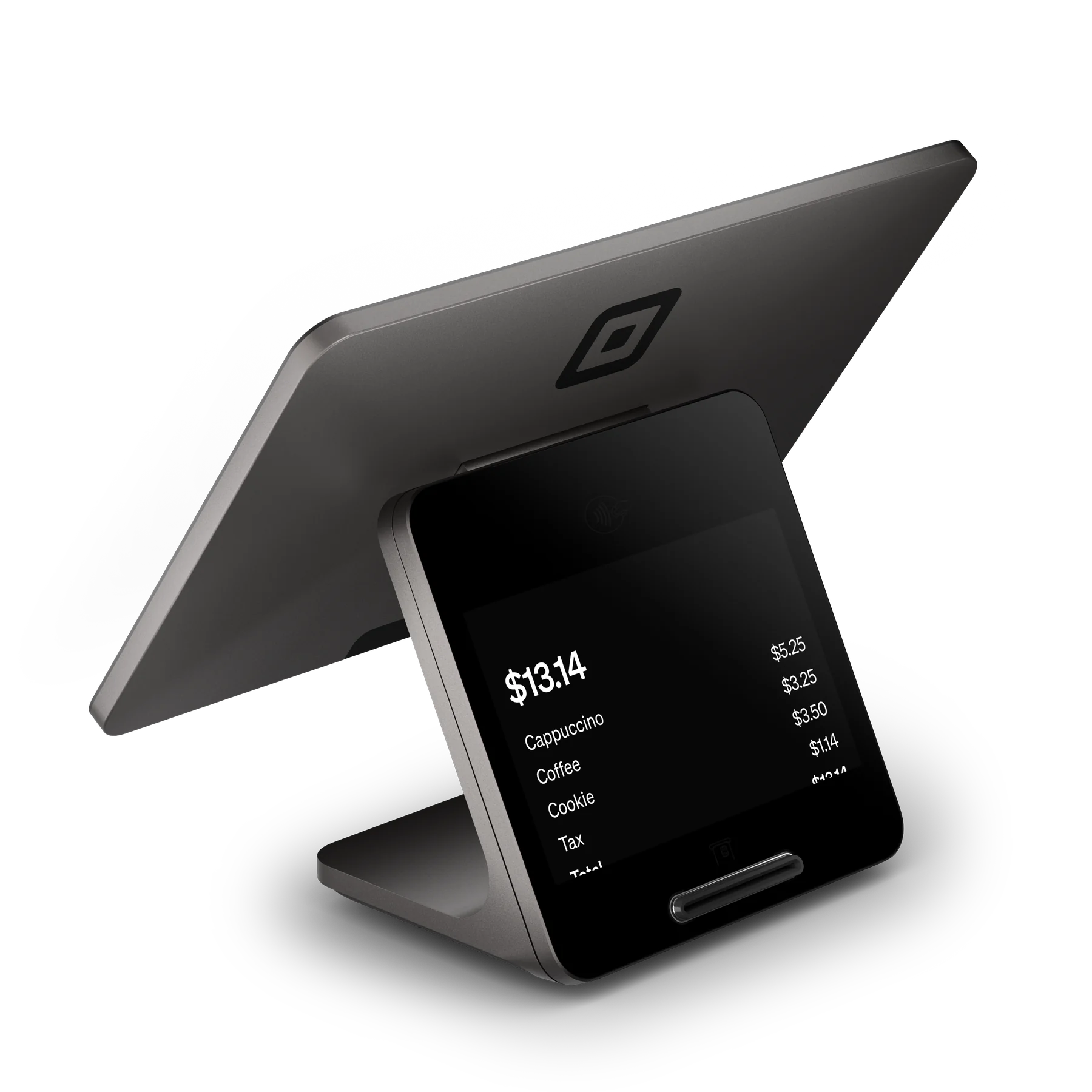
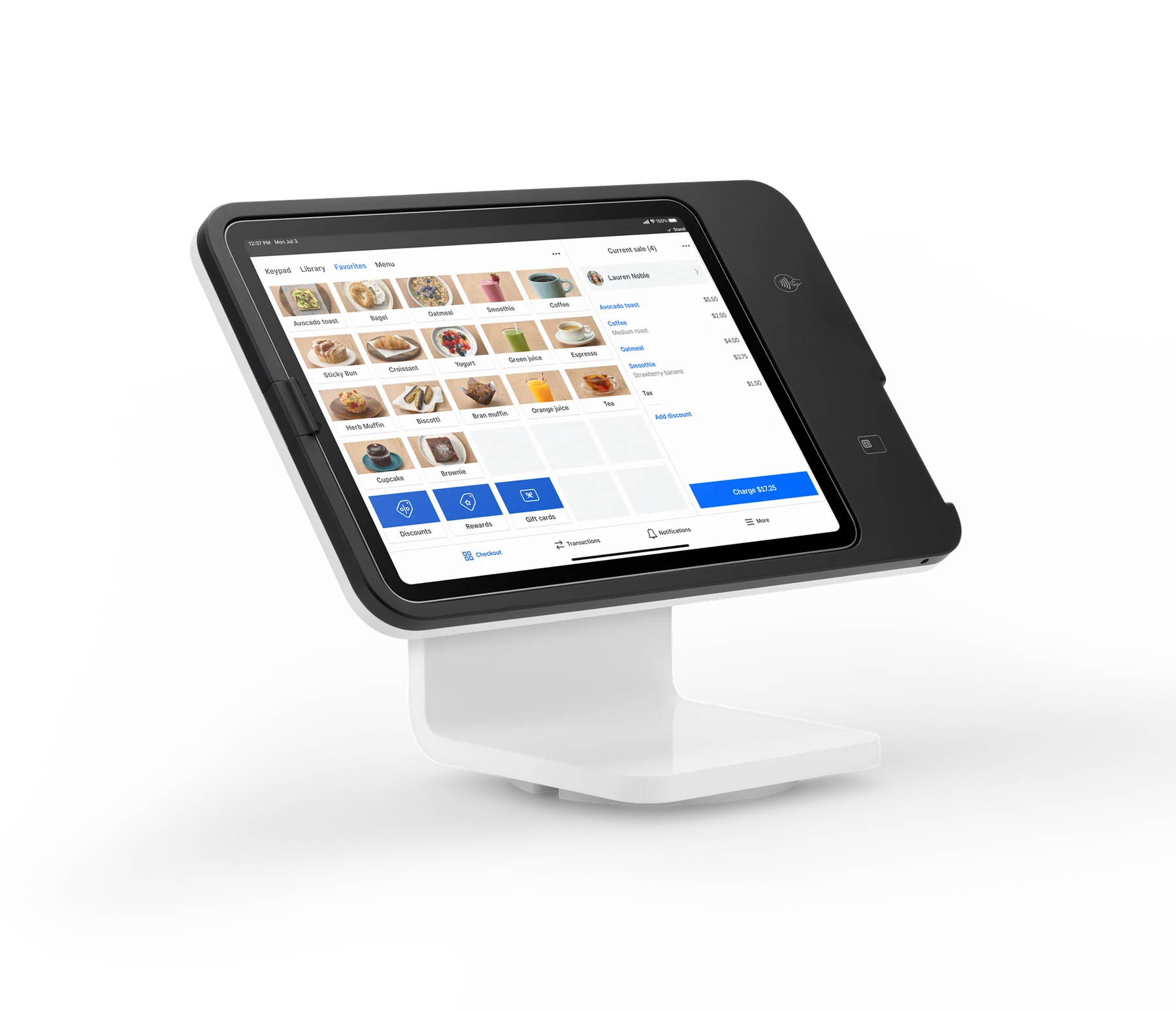
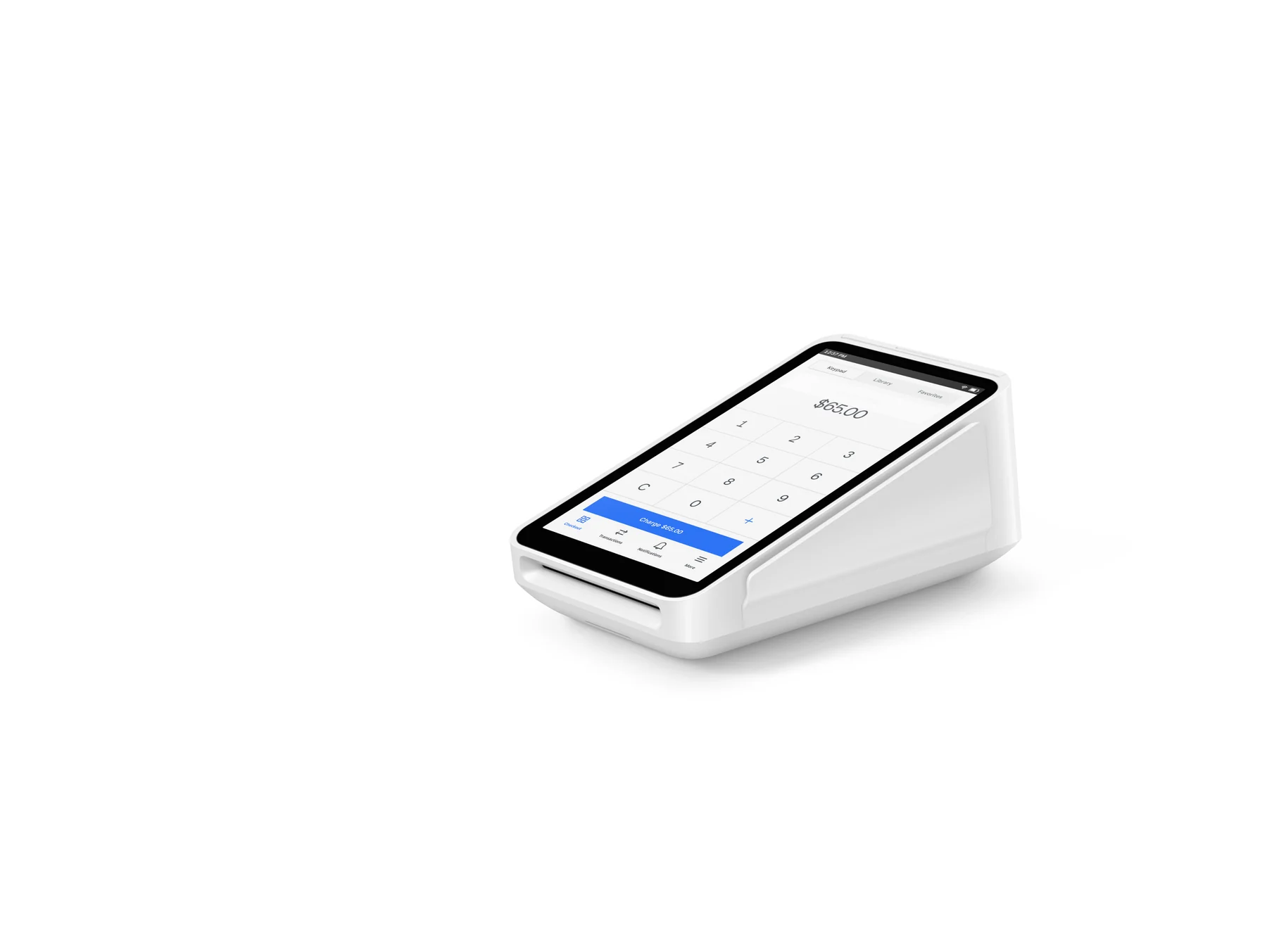
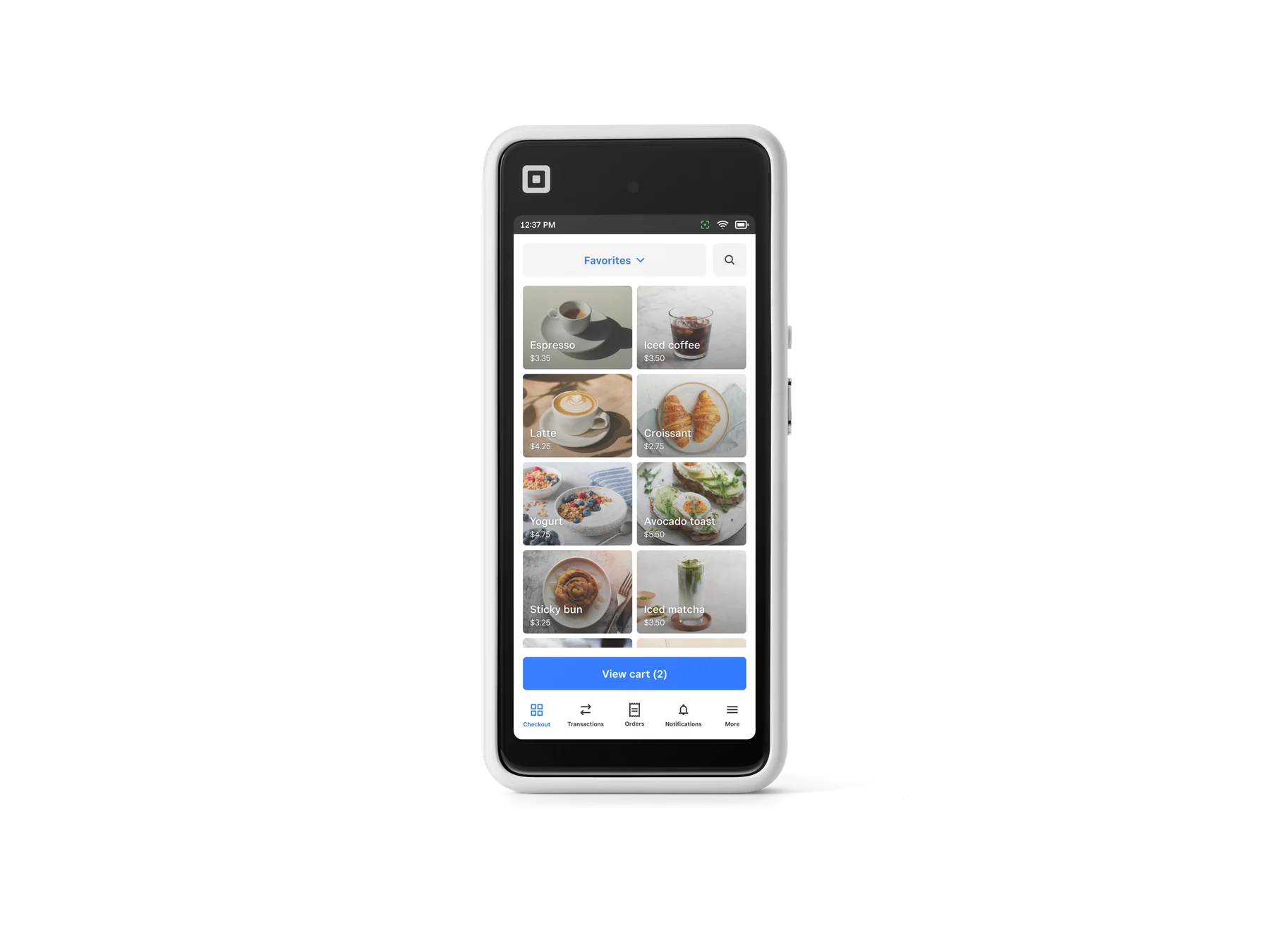
Appointments can be managed through Square Dashboard and the Square Point of Sale app with bookings mode, or the Square Appointments POS app, on compatible iOS or Android devices. Officially listed Square options include Square Terminal, Square Handheld, Square Register (2nd generation), Square Stand with a compatible USB-C iPad, and Square Reader for contactless and chip paired by Bluetooth to iOS 16.0+ or Android 9.0+ devices. Tap to Pay on iPhone requires iPhone XS or newer with iOS 15.5 or later; Tap to Pay on Android requires a compatible Android device. A bank account, identity verification, and an active Square subscription/account setup are required to activate the account and receive funds.

Important limitations to plan around

Core booking is broadly useful, but advanced features are not universal: cancellation/no-show fees, multi-staff appointments, waitlists, resource management, and advanced reporting depend on plan. Square Go discovery is limited to eligible U.S. beauty and personal-care businesses, requires online booking and at least one client booking in the prior 30 days, is currently iOS-only for clients, and cannot accept payments from Square Go. Offline payments require reconnection within 24 hours of the first offline payment; the seller bears responsibility for expired, declined, or disputed offline payments, and older first-generation contactless readers are unsupported. Additional marketing, loyalty, messaging, or other Square subscriptions may add fees.

U.S. published plans are Square Free at $0/month/location, Square Plus at $49/month/location, and Square Premium at $149/month/location. Square Pro uses custom pricing for eligible sellers processing over $250,000/year. Plus and Premium are advertised with 30-day trials. Payment rates depend on plan and whether the transaction is in person or online.

Monthly software (USD)$0

Fees & eligibility

  • Square Free in-person processing

    Square Free, U.S. published Appointments pricing; per transaction

    2.6% + $0.15 per tap, dip, or swipe payment
  • Square Free online processing

    Square Free, U.S. published Appointments pricing; per transaction

    3.3% + $0.30 per online payment
  • Square Plus in-person processing

    Square Plus, U.S. published Appointments pricing; per transaction

    2.5% + $0.15 per tap, dip, or swipe payment
  • Square Plus online processing

    Square Plus, U.S. published Appointments pricing; per transaction

    2.9% + $0.30 per online payment
  • Square Premium in-person processing

    Square Premium, U.S. published Appointments pricing; per transaction

    2.4% + $0.15 per tap, dip, or swipe payment
  • Square Premium online processing

    Square Premium, U.S. published Appointments pricing; per transaction

    2.9% + $0.30 per online payment
  • Same-day or instant transfer

    Official U.S. Appointments features page; next-business-day transfers are listed as free

    1.95% per transfer

Requirements

  • U.S. Square account with identity verification and a linked bank account and routing number to activate payments and receive funds.
  • An active Square subscription/account with Appointments or the applicable Square bookings capability enabled.
  • Compatible iOS or Android device for the Square POS/Appointments app; device and OS requirements vary by payment method.
  • Tap to Pay on iPhone requires iPhone XS or newer with iOS 15.5 or later; Tap to Pay on Android requires a compatible Android device.
  • Square Go discovery additionally requires a U.S.-based eligible beauty or personal-care business, online booking, and at least one client booking in the previous 30 days.

All prices and fee rates are U.S. published figures verified on 2026-10-27 and may change; confirm the live Square checkout and pricing pages before purchase.

The $0 monthly figure is the Square Free plan per location, not a promise that payment processing, hardware, add-ons, or optional services are free.

Plan-gated features must be checked against the selected subscription; Square's pages show different availability for no-show fees, multi-staff booking, waitlists, resource management, reporting, and communications.

Square hardware prices are intentionally not included in the product pricing field because this record is for software; official hardware prices change and are shown on the linked hardware page.

Afterpay eligibility criteria and late fees apply; Square's U.S. Appointments page directs customers to Afterpay for details.

Offline payments carry seller risk and require reconnection within 24 hours of the first offline payment; older Square Reader for contactless and chip generations are not supported for offline payments.

Square Go is not a general marketplace for every industry: official U.S. support documentation limits discovery eligibility to qualifying beauty and personal-care businesses and says payments cannot currently be accepted from Square Go.

Questions

Frequently asked questions

Can a solo provider start Square Appointments without a monthly software fee?

Yes. Square Free is listed at $0 per month per location and includes an online booking site, appointment reminders, unlimited calendars, invoicing, and the published Free processing rates. Payment processing still applies when a payment is taken, and hardware or optional Square services are separate.

Which Square Appointments plan supports no-show fees and waitlists?

The U.S. pricing page lists cancellation and no-show fees, multi-staff appointment booking, and waitlists as Square Plus features, with Premium including everything in Plus. Square Free does not list those capabilities in its top Appointments features, so confirm the live plan comparison for the account.

Does Square Appointments work for a salon that already has a website?

Yes. Square's U.S. support documentation says you can publish a booking site, copy a booking-flow URL, add a booking button, or embed a booking widget on an external website. The booking flow follows the services, staff, locations, and availability configured in Square.

Sources & product information

Ready when you are

Talk through the options for your business.