
Business type solution

Professional Services

Turn client work into a clearer path from estimate to payment

Professional firms can use Square to connect the work clients see with the payments and records your team manages behind the scenes. Build an estimate for a consulting engagement, design package, legal matter, accounting project, or photo assignment; turn an accepted proposal into an invoice; then collect a deposit, milestone payment, or recurring charge online, over the phone, or in person.

A small services team collaborates around a laptop in a warm, naturally lit studio
Representative photograph for Services; it does not depict Professional Services specifically.

Built for your day-to-day

How it fits your business

Square’s Services mode brings invoices, estimates, contracts, and real-time payment tracking into the same system as your customer directory and reporting. For client meetings or field work, a phone, reader, Terminal, or Handheld can take payment without requiring a traditional checkout counter.

Key capabilities

What you can do

  • Move from scope to signed work

    Use itemized estimates, multi-package options, digital contracts, e-signatures, and automatic conversion of an accepted estimate to an invoice so a consulting, creative, or professional engagement has a clearer commercial handoff.

  • Bill by deposit, milestone, or schedule

    Request an upfront deposit, set milestone-based payment schedules, send recurring invoices, and automate reminders for retainers or repeat work. Clients can pay from an invoice link rather than waiting for an office visit.

  • Accept payment where client work happens

    Collect card payments online, by phone or browser, through a payment link, or face to face with Square Point of Sale, Tap to Pay, a Reader, Terminal, or Handheld. This fits office consultations, on-site work, and client meetings without forcing every sale into one channel.

  • Keep client and cash-flow context together

    Customer Directory, itemized service records, invoice status, sales reporting, and project views give a small firm one place to review what was sold, what has been paid, and what remains outstanding. QuickBooks Online and Xero integrations are also listed by Square.

  • Add scheduling when work is appointment-led

    For firms that book consultations or sessions, Square Appointments adds an online booking site, staff calendars, reminders, deposits, cancellation and no-show rules, and resource scheduling on eligible plans.

Explore the details

Product details

A practical workflow for project-based firms

Start with a service catalog for consultations, packages, retainers, or deliverables. Send an estimate with the scope and options, attach a contract when the engagement needs formal acceptance, then convert the approved work to an invoice. Deposits and milestone schedules can help a design studio, accounting firm, agency, law practice, or photographer align collection with delivery. Recurring invoices and reminders reduce manual follow-up, while invoice and project views show what is paid, unpaid, or overdue.
Office, remote, and on-site payment options

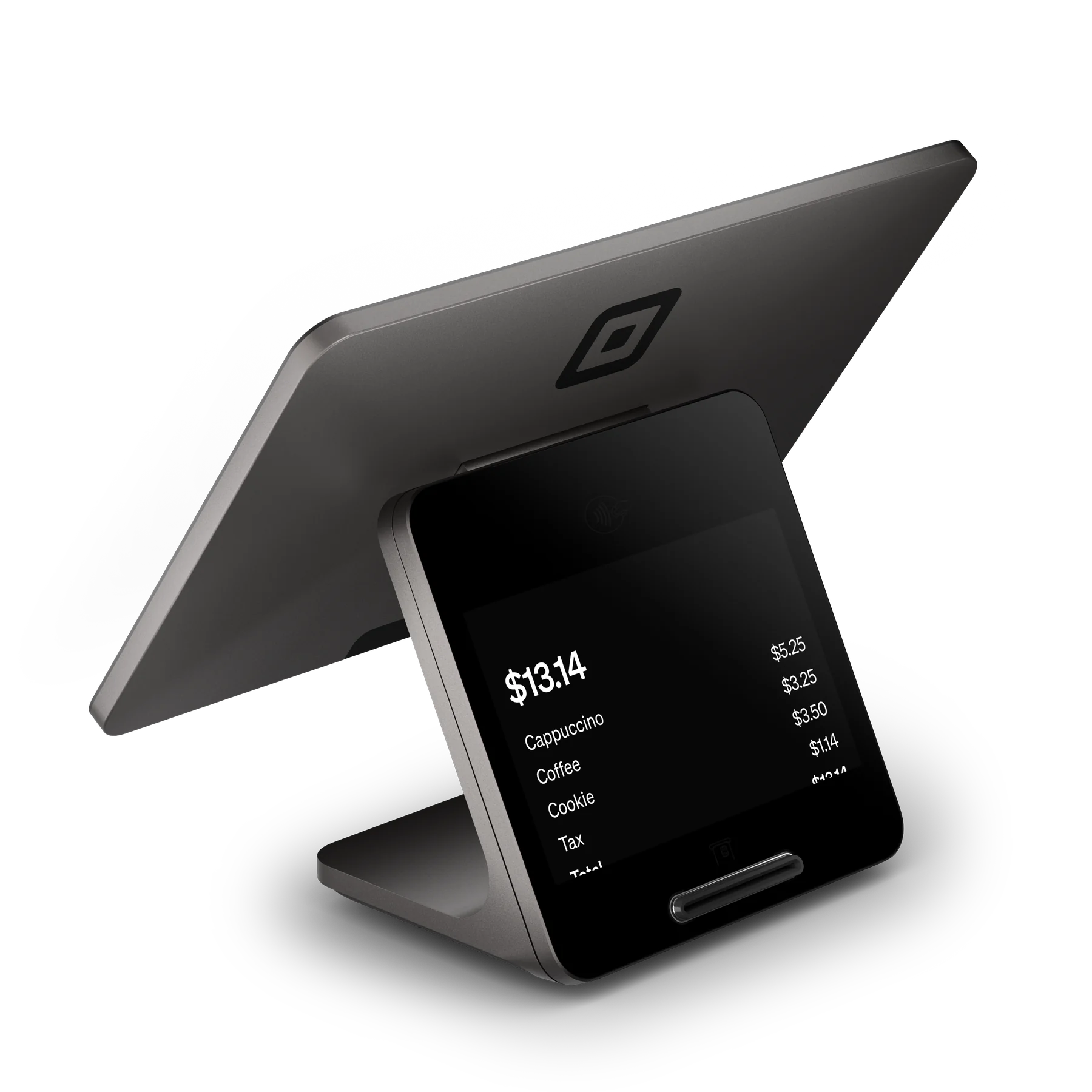
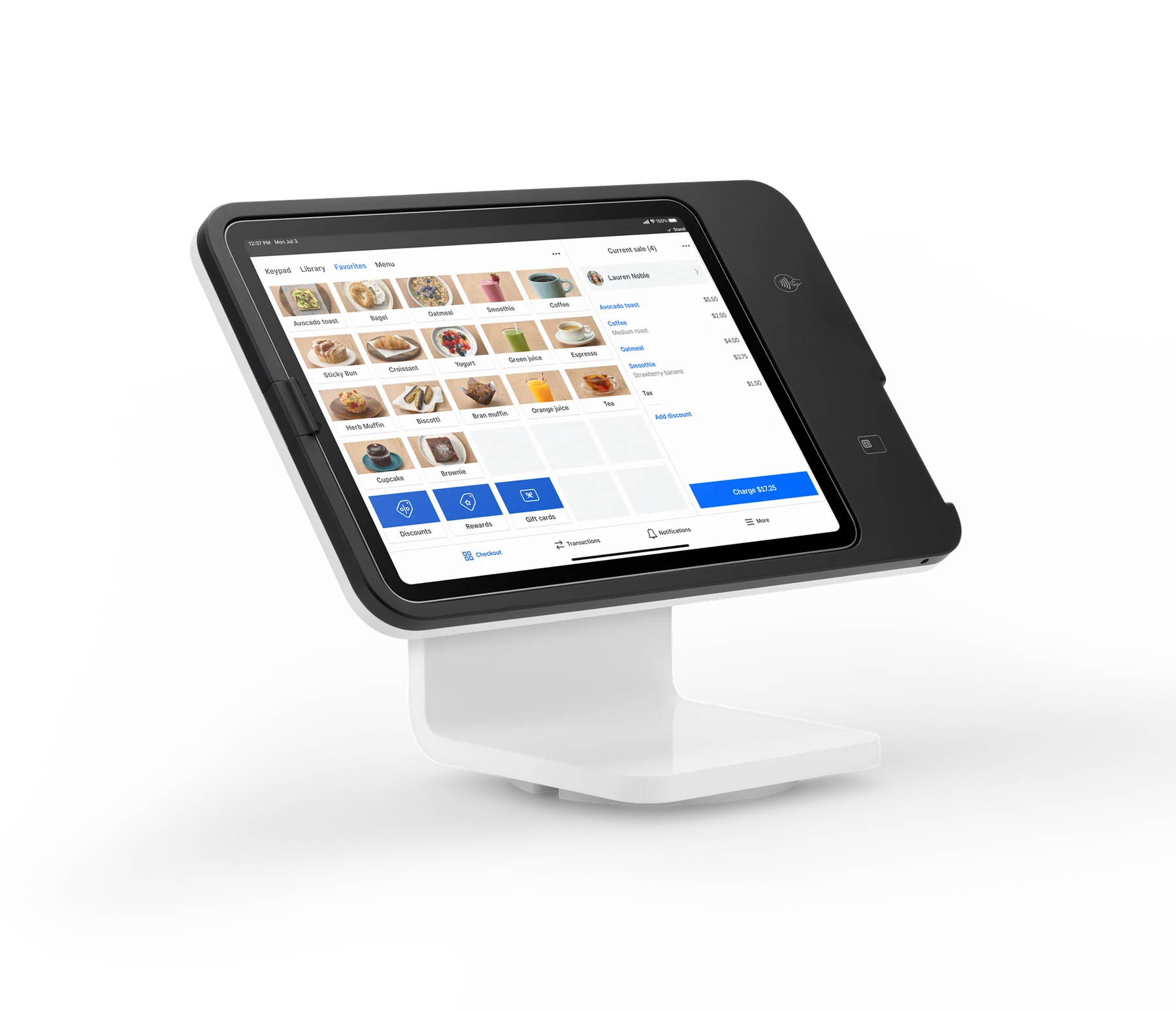
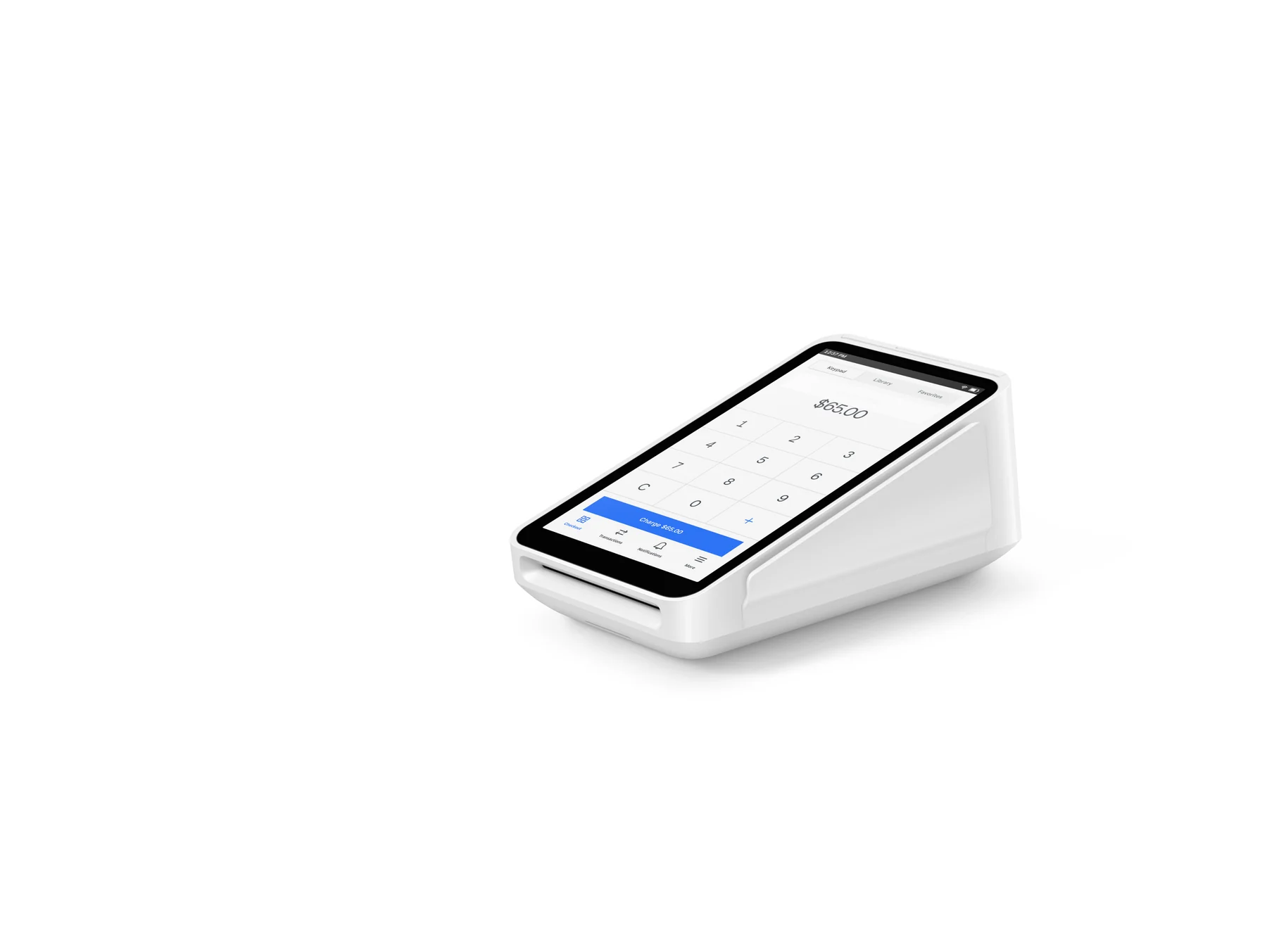
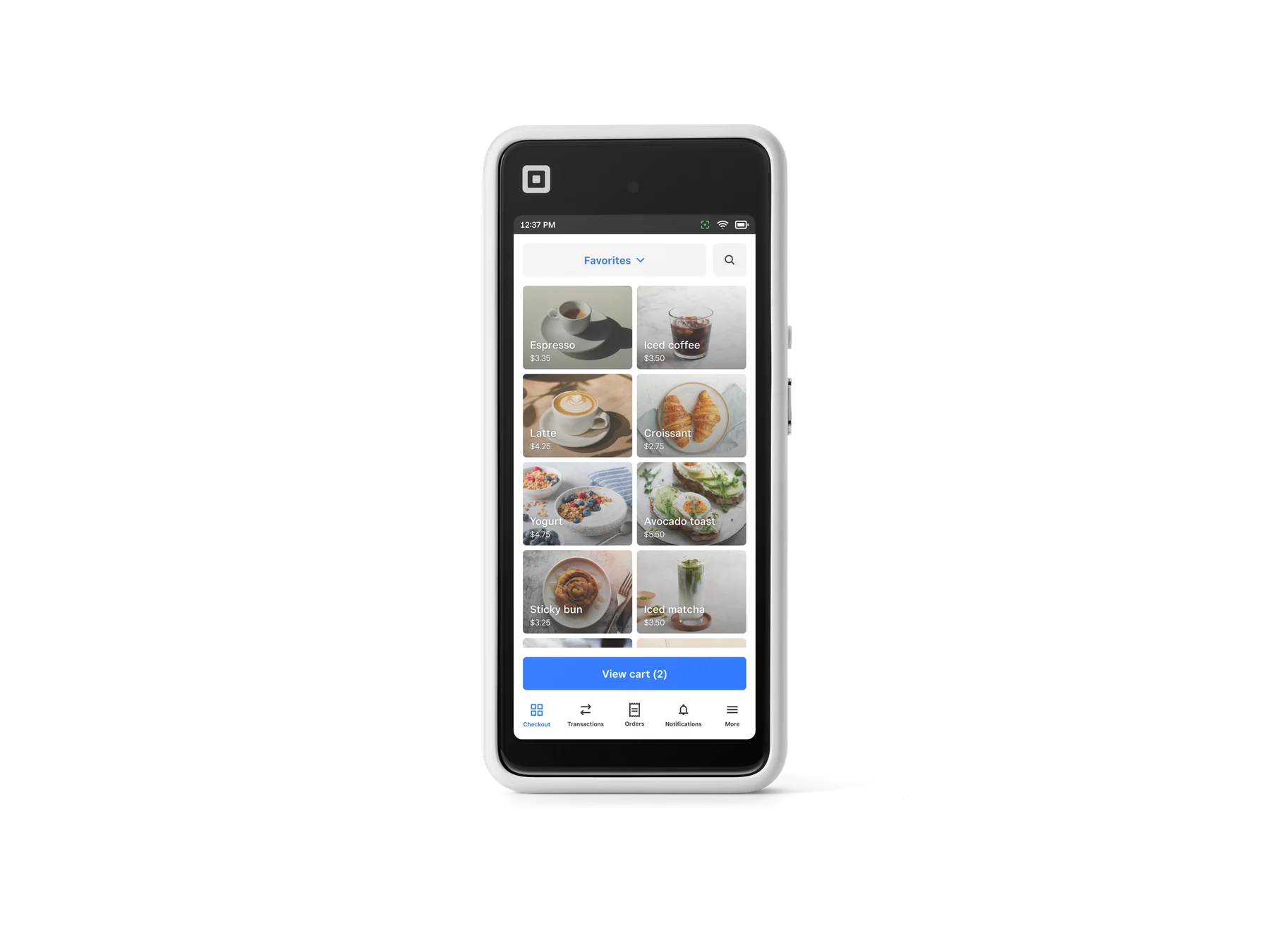
Square Point of Sale includes a Services mode with invoices, estimates, contracts, and real-time payment tracking. Virtual Terminal runs in a browser on Windows or Mac for phone, mail, email, text, or other card-not-present payments. Tap to Pay on iPhone supports contactless cards and wallets on iPhone XS or newer running iOS 15.5 or later; a Reader, Terminal, or Handheld adds a dedicated in-person option when a firm wants separate payment hardware.

Plans, eligibility, and important boundaries

Square Free has no monthly subscription cost; Square Plus is listed at $49 per location per month and Square Premium at $149 per location per month, with 30-day trials for Plus and Premium. Square says firms processing more than $250,000 per year can ask about custom pricing and processing fees. Hardware is optional. Square Invoices does not support multi-currency acceptance, and keyed or card-on-file payments cost more than card-present payments because they carry greater fraud risk. Appointment-specific advanced tools and some marketing, team, or reporting features depend on plan.

Square Free starts at $0 per location per month and charges processing fees when a payment is taken. Square Plus is $49 per location per month and Square Premium is $149 per location per month; both offer a 30-day trial and can be canceled or switched. Square Pro and processing rates may be custom for businesses processing over $250,000 annually. Hardware is optional; the listed paid hardware starts at $59 for Square Reader for contactless and chip, while the first Square Reader for magstripe is advertised as free. Hardware prices are before applicable tax and financing terms.

Upfront hardware (USD)$59
Monthly software (USD)$0

Fees & eligibility

  • In-person tap, dip, or swipe

    Card-present payments; published U.S. rates vary by Square plan.

    2.6% + $0.15 per transaction on Square Free; 2.5% + $0.15 on Square Plus; 2.4% + $0.15 on Square Premium
  • Online card payment or invoice card payment

    Online or invoice card payments under published U.S. plan pricing.

    3.3% + $0.30 per transaction on Square Free; 2.9% + $0.30 on Square Plus or Premium
  • Manual entry or card on file

    Keyed card numbers and saved cards on file; applies across the displayed plans.

    3.5% + $0.15 per transaction
  • ACH bank transfer via invoice

    Only for ACH payments made through an invoice.

    1% with a $1 minimum on Square Free; 1% with a $1 minimum and $10 fee cap on Square Plus or Premium
  • Afterpay

    Eligibility criteria apply; customers pay in four installments while the business is paid up front.

    6% + $0.30 per transaction
  • Cash or check

    Recording a cash or check payment has no Square processing fee.

    Free
  • Next-day or instant transfer

    Transfer availability and instant-transfer limits depend on the linked bank account or supported debit card.

    Next-day transfer is free; instant transfer has a fee

Requirements

  • A U.S. Square account and acceptance of Square terms are required.
  • Hardware is not required: invoices, payment links, Virtual Terminal, Tap to Pay on iPhone, and Tap to Pay on Android can accept payments without a dedicated reader.
  • Square Point of Sale Services mode is available for professional-services workflows; plan-dependent features should be confirmed in the account before publishing a package promise.
  • Square Plus and Premium are billed per location; Square Pro/custom pricing requires a conversation with Square and is not guaranteed.
  • Tap to Pay on iPhone requires iPhone XS or later with iOS 15.5 or later and a supported payment app; contactless acceptance and transaction limits can vary.
  • Square Handheld and Terminal have Wi-Fi requirements; Square Reader for contactless and chip pairs by Bluetooth to an iOS 16+ or Android 9+ device, according to the U.S. hardware comparison.
  • Hardware financing is subject to credit approval and other factors; published installment plans are not available to merchants in AL, DE, MO, MS, NH, and TN.
  • Businesses processing over $250,000 per year may request custom pricing, but eligibility and terms are determined by Square.

Rates and plan prices are the official Square U.S. published figures checked on 2026-10-27; Square may change pricing and existing sellers may have different legacy terms.

The $59 hardware figure is the listed purchase price for Square Reader for contactless and chip, not a complete setup price. Square Register, Handheld, Terminal, Stand, and accessories have separate prices; taxes and optional accessories are extra.

Square says the first Square Reader for magstripe is free, limited to one redemption per Square account holder.

Square’s professional-services page names accounting, consulting, law, architecture, interior and web design, photography, and other firms as examples; the record does not imply specialized legal, accounting, healthcare, or industry compliance functionality.

Square Invoices states that multi-currency acceptance is not supported today.

Offline payments can create seller responsibility for expired, declined, or disputed payments; Square’s hardware page says offline payments are declined if the device is not reconnected within 24 hours of the first offline payment.

Afterpay eligibility criteria apply. Square’s published invoice footnote says late fees may apply and directs sellers to Afterpay for details.

This record does not make any cash-discounting, surcharge, or 4% program claim. Any such program requires separately supplied agreement and administrator confirmation.

Questions

Frequently asked questions

Can a professional-services firm use Square without buying hardware?

Yes. Square says hardware is optional. A firm can start with invoices, payment links, Virtual Terminal, or Tap to Pay on a compatible phone, then add a Reader, Terminal, Handheld, or other hardware if in-person work warrants it.

Which Square tools fit a project-based client engagement?

Square’s U.S. professional-services materials point to estimates, contracts, invoices, milestone payment schedules, recurring billing, reminders, Customer Directory, and reporting. Square Point of Sale’s Services mode combines invoices, estimates, contracts, and real-time payment tracking.

What should a firm know before accepting remote card payments?

Remote or keyed payments are priced at 3.5% + $0.15 per transaction under the published U.S. rates, higher than card-present processing. Virtual Terminal works in a browser on Mac or Windows, while invoice and online card payments use the online rate. Square recommends its fraud and dispute controls, but the seller remains responsible for applicable payment risk and policy decisions.

Sources & product information

Ready when you are

Talk through the options for your business.