Business type solution

Catering

Turn catering inquiries into organized, paid events

Catering work moves from a conversation to a menu, deposit, production plan, delivery, and final payment. Square gives caterers one connected workflow for estimates, branded invoices, deposits, scheduled installments, reminders, and payment tracking.

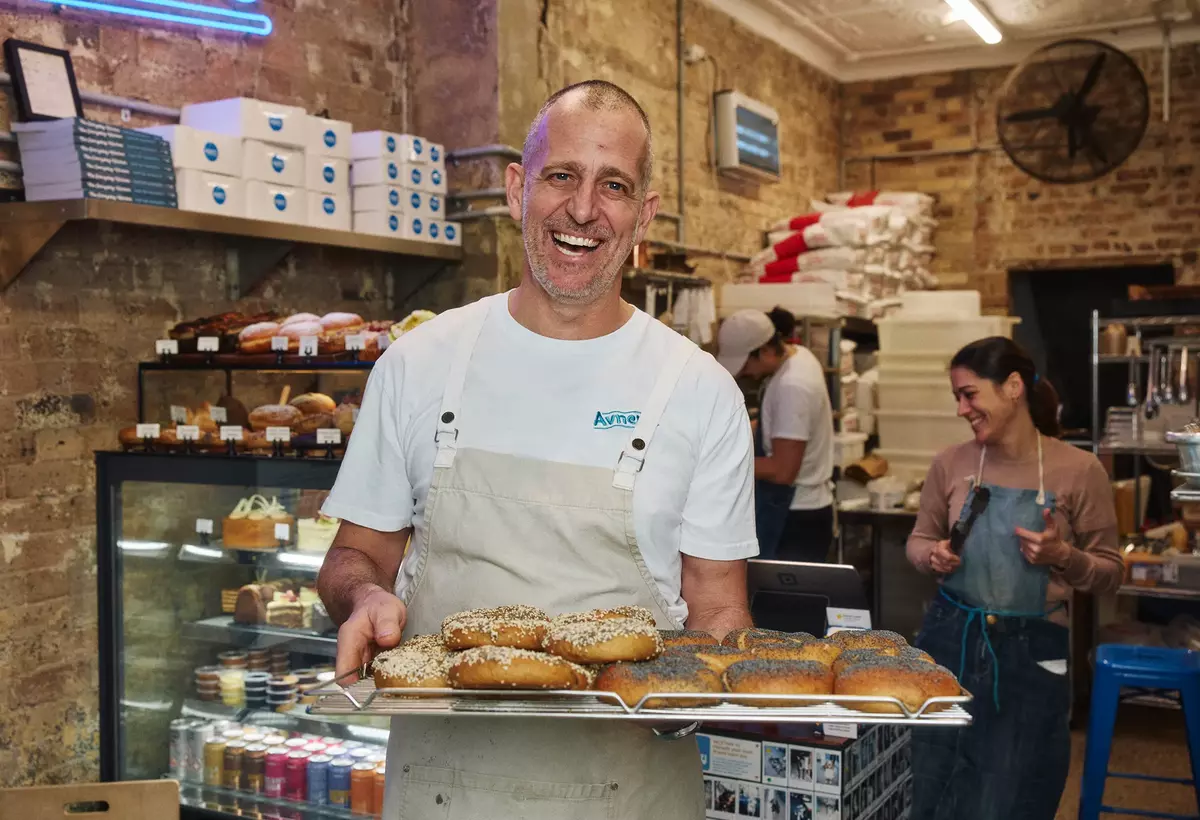
A smiling bakery owner holds freshly baked bagels in a warm, bustling neighborhood bakery
Representative photograph for Food & Beverage; it does not depict Catering specifically.

Built for your day-to-day

How it fits your business

You can keep event details and customer history together, publish a direct ordering profile for simpler pickup or local delivery, and take payment onsite with mobile hardware when a venue or pop-up needs a checkout. Food-and-beverage plans add menu, pickup, delivery, and ordering tools; higher tiers add inventory and close-of-day reporting. Choose the lightest setup that fits your mix of custom events and repeat orders, then confirm plan and delivery economics before committing.

Key capabilities

What you can do

  • Quote, deposit, and collect in one thread

    Send an estimate, convert an approved quote to an invoice, request a deposit, schedule milestone payments, and automate reminders. That fits weddings, corporate lunches, and other catering jobs where the balance is due after a commitment or event date.

  • Keep event billing visible

    Invoice status shows what is paid, unpaid, or overdue, while project and customer records keep the client context available for repeat bookings. Branded templates and custom fields let you include service terms, policies, and event-specific detail without rebuilding every invoice.

  • Sell a simpler repeat-order path

    A Square online ordering profile can publish a branded menu link for pickup and local delivery, sync menus and orders with Square POS, and support multiple locations. Direct orders avoid marketplace commissions, although delivery-provider charges and Square online processing still apply.

  • Take payment where the event happens

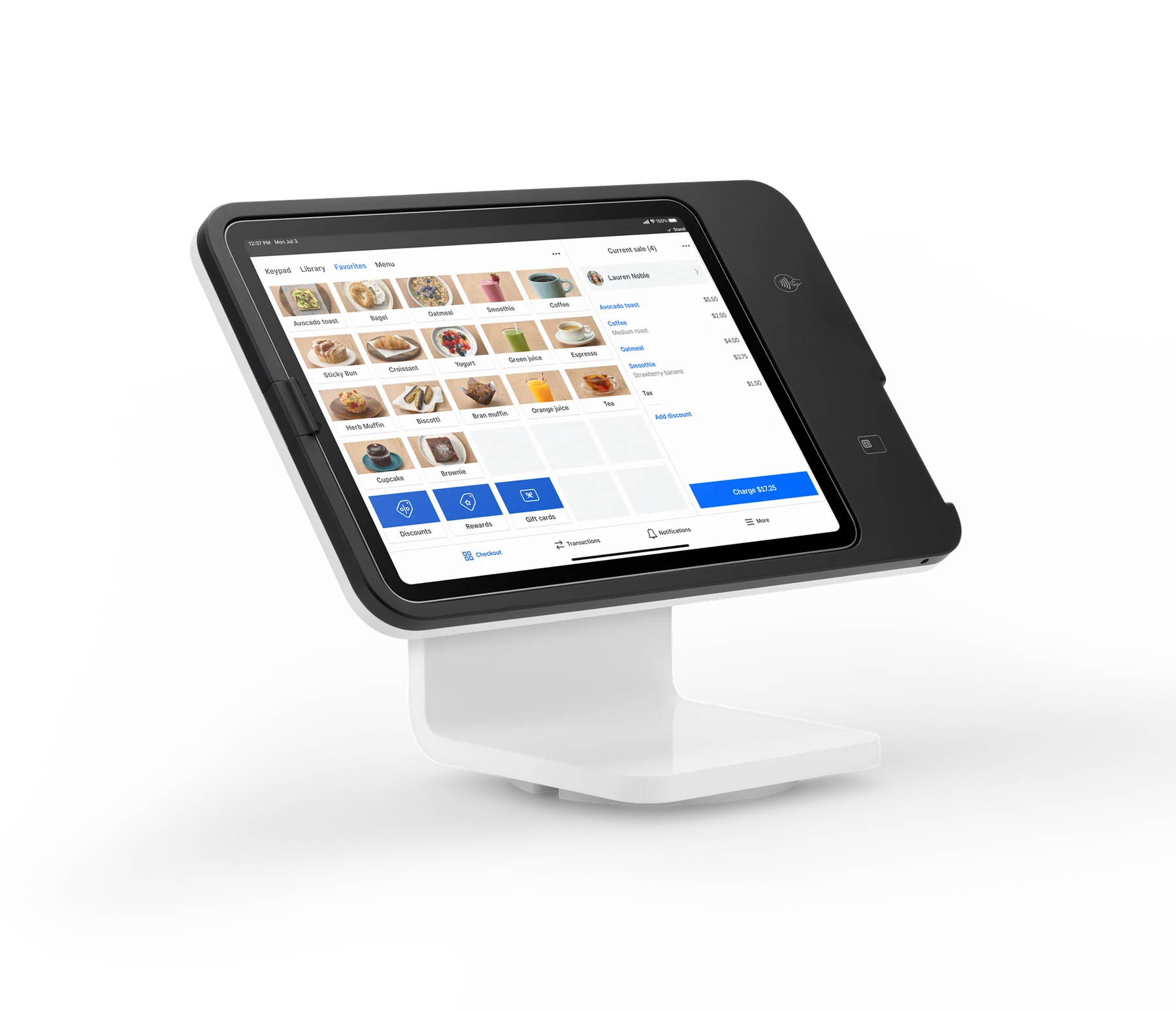
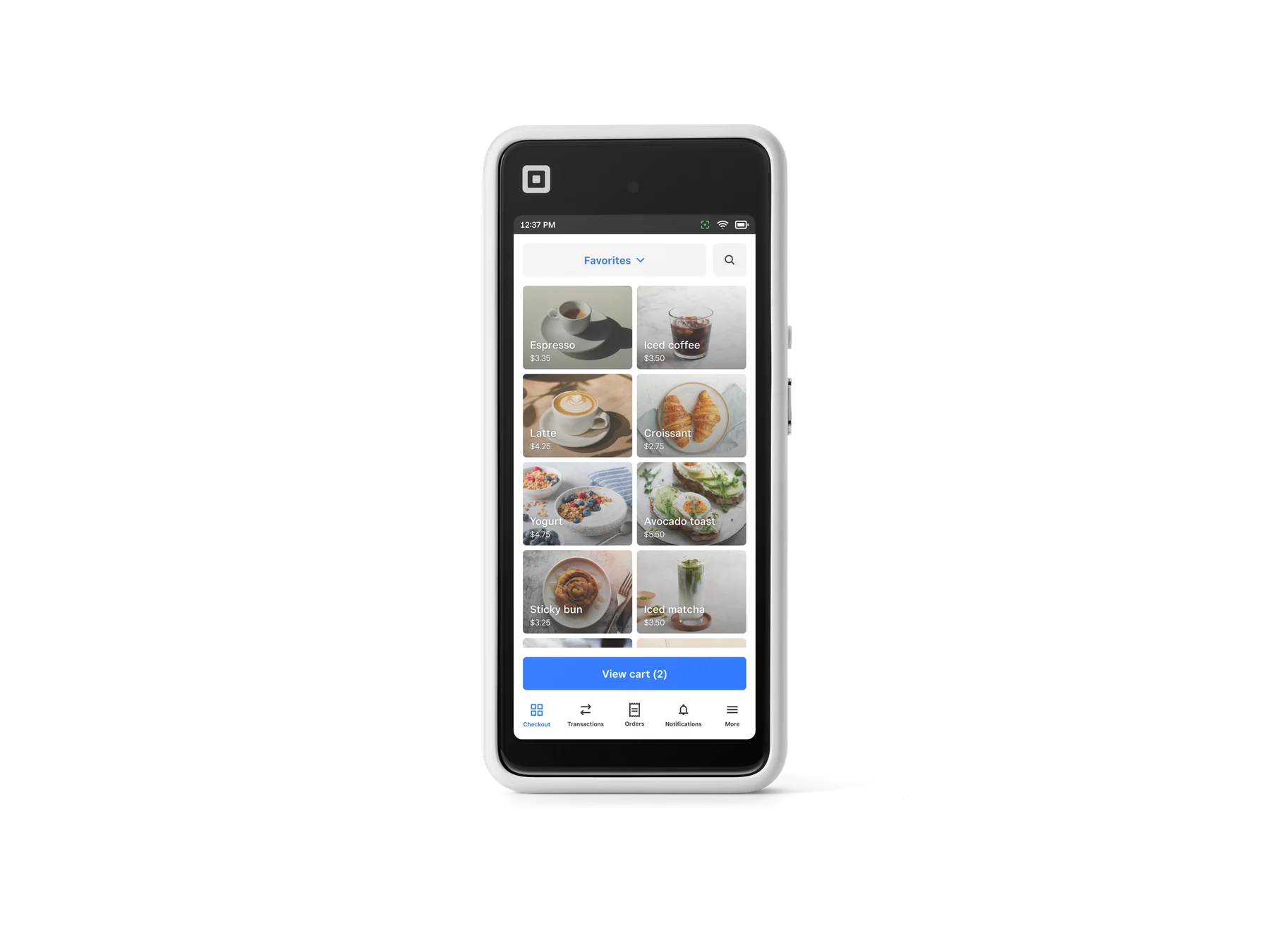
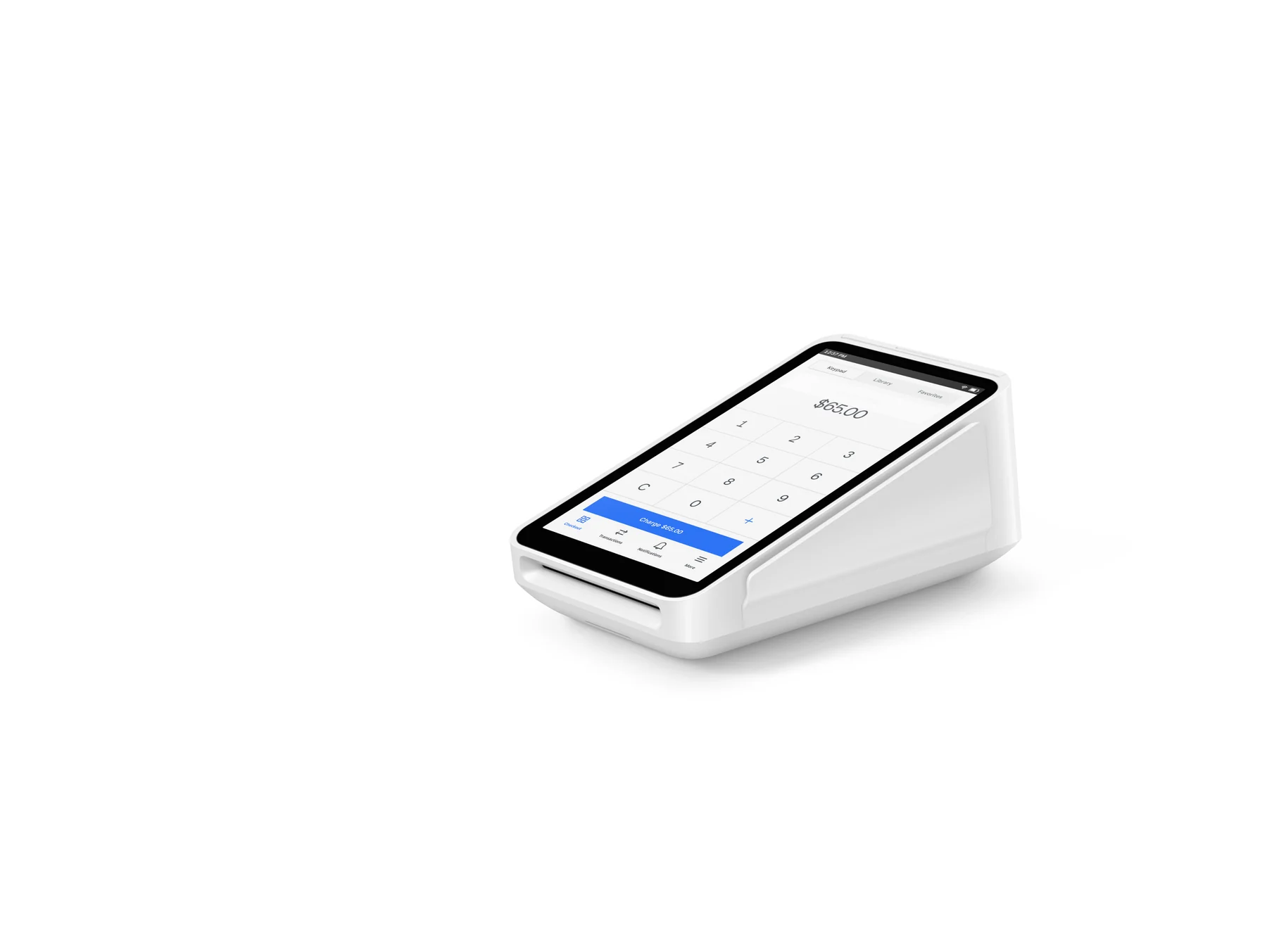
    Square Terminal, Square Handheld, or a contactless-and-chip Reader can cover venue deposits, add-on sales, and final balances away from the kitchen. Square also offers Tap to Pay on a compatible phone, so hardware is not mandatory for every payment scenario.

  • Coordinate menu and team operations

    Food-and-beverage plans include item and menu management plus pickup and local delivery. Square Plus adds integrated inventory tracking and close-of-day reporting; team tools can support schedules, hours, payroll, and marketing as the catering crew grows.

Explore the details

Product details

A practical catering workflow

Start with a menu or custom estimate, capture the client’s requirements in the invoice or project record, and set a deposit plus later milestones. Once the estimate is accepted, convert it to an invoice and use reminders for the remaining balance. For recurring corporate orders or simpler drop-off menus, a direct online ordering profile can handle pickup and local delivery while keeping the order in Square POS. Use Dashboard reporting to review paid and overdue work rather than relying on separate spreadsheets.
Select the plan around your operating model

Square Free has no monthly subscription cost and still includes food-and-beverage basics, item and menu management, pickup, local delivery, and a branded ordering page. Square Plus is $49 per location per month and adds integrated inventory tracking and close-of-day reporting. Square Premium is $149 per location per month and adds lower published processing rates plus coursing and seat management. Square KDS is an extra $30 per device per month on Plus or $20 on Premium; Kiosk software is an extra $99 per device, while Kiosk Lite is $50 on Plus or $30 on Premium. Square says businesses processing more than $250,000 annually can ask about custom pricing and processing fees.

Budget payment method and delivery costs separately

Published U.S. rates vary by plan and payment method. On Free, in-person tap, dip, or swipe is 2.6% + 15¢; Plus is 2.5% + 15¢; Premium is 2.4% + 15¢. Online or invoice card payments are 3.3% + 30¢ on Free and 2.9% + 30¢ on Plus or Premium. Invoice ACH is 1% with a $1 minimum on Free, and 1% with a $1 minimum and $10 cap on Plus or Premium. Manually entered or card-on-file payments are 3.5% + 15¢ on all three plans. An on-demand delivery provider also charges a delivery fee, whose amount and payer depend on the provider and the seller’s settings.

Hardware and connectivity caveats

Current listed U.S. hardware prices are $399 for Square Handheld, $299 for Square Terminal, $149 for Square Stand, $899 for Square Register (2nd generation), and $59 for Square Reader for contactless and chip; the first Square Reader for magstripe is listed as free. Stand requires a compatible USB-C iPad, while Reader pairs by Bluetooth with iOS 16.0+ or Android 9.0+. Offline payments must reconnect within 24 hours or they may be declined, and the seller is responsible for expired, declined, or disputed offline payments. Installment offers are credit-dependent and unavailable to merchants in AL, DE, MO, MS, NH, and TN.

U.S. published pricing verified 2026-10-27: Square Free is $0/month; Square Plus is $49/month per location; Square Premium is $149/month per location. Plus and Premium offer a 30-day trial. Square Pro is custom priced. Food-and-beverage basics are available on any plan; KDS, Kiosk, and Kiosk Lite add per-device fees.

Fees & eligibility

  • In-person tap, dip, or swipe — Free

    Card-present payment on Square Free plan.

    2.6% + 15¢
  • In-person tap, dip, or swipe — Plus

    Card-present payment on Square Plus plan.

    2.5% + 15¢
  • In-person tap, dip, or swipe — Premium

    Card-present payment on Square Premium plan.

    2.4% + 15¢
  • Online or invoice card payment

    Card payment online or through an invoice; plan-dependent.

    3.3% + 30¢ Free; 2.9% + 30¢ Plus or Premium
  • ACH bank transfer via invoice

    Invoice ACH; Free has no stated cap on the published pricing page.

    1%, $1 minimum; $10 fee cap on Plus and Premium
  • Manual entry or card on file

    Card number manually entered or saved card on file, on all listed plans.

    3.5% + 15¢
  • On-demand delivery provider fee

    Delivery service provider charges a fee; amount and whether seller or customer pays depend on provider and delivery-fee settings. Square online processing fee still applies.

    Varies
  • Square KDS app

    Additional to the plan; not available on Free.

    $30/month per device on Plus; $20/month per device on Premium
  • Kiosk software

    Additional per-device software fee; Square Kiosk requires Plus or Premium.

    $99/month per device; Kiosk Lite $50/month on Plus or $30/month on Premium

Requirements

  • A U.S. Square account and supported device or browser are required to activate and use the services.
  • Plus and Premium monthly charges apply per location; plan and processing rates should be confirmed before enrollment.
  • Square says sellers processing over $250,000 per year may request custom pricing and processing fees; eligibility is not guaranteed.
  • Square Kiosk requires an active Square Plus or Premium subscription; Kiosk Lite requires Plus or Premium and compatible iPad hardware.
  • On-demand delivery requires location setup and is subject to a delivery service provider fee in addition to Square online processing.

Square's catering page cites an internal 2023 study for the claim that more than 77% of invoices are paid within one day; this is not a guarantee for an individual caterer.

Instant access to Square-processed funds through Square Checking requires a Square Checking account; availability can vary due to technical issues. Square Checking is provided by Sutton Bank, Member FDIC, subject to stated terms.

Next-business-day transfers are free; instant transfers carry a fee and require a linked bank account or supported debit card, with stated minimum, maximum, and new-seller limits.

Offline payments are not risk-free: reconnect within 24 hours or payments may be declined, and the seller bears responsibility for expired, declined, or disputed offline payments.

Square does not support multi-currency acceptance according to the U.S. Invoices FAQ.

Hardware installment pricing is subject to credit approval and other factors, and the listed credit-sale plans are unavailable to merchants in Alabama, Delaware, Missouri, Mississippi, New Hampshire, and Tennessee.

No image is marked approved: the official pages expose product imagery but provide no marketing-use license evidence in the reviewed content.

Questions

Frequently asked questions

Can Square handle a catering deposit and final balance?

Yes. Square Invoices supports estimates that can be converted to invoices, deposit requests, multiple payment schedules, recurring invoices, saved cards, and automatic reminders. Set the schedule and event terms clearly in the invoice, then track paid, unpaid, and overdue status.

Which Square plan is a sensible starting point for a caterer?

Square Free is the lowest-commitment starting point and includes core food-and-beverage ordering features with no monthly subscription cost. Plus adds inventory tracking and close-of-day reporting at $49 per location per month; Premium is $149 per location per month and adds lower published processing rates plus coursing and seat management. The best choice depends on volume, locations, inventory complexity, and whether the fee savings justify the subscription.

Can I take payment at a venue without bringing a full POS counter?

Yes. Square Handheld, Square Terminal, and Square Reader for contactless and chip are listed as mobile or portable options, and Square also supports Tap to Pay on compatible phones. Hardware compatibility, internet availability, and offline-payment risk should be checked before an event; a Reader requires a compatible iOS or Android device.

Sources & product information

Ready when you are

Talk through the options for your business.