
Business type solution

Drive-Thru

Connect the drive-thru order from vehicle details to the handoff window

Keep your order taker, kitchen, and handoff window working from the same live ticket. Square’s Drive-Thru configuration connects those steps with a dedicated fulfillment flow on eligible Square for Restaurants Premium setups.

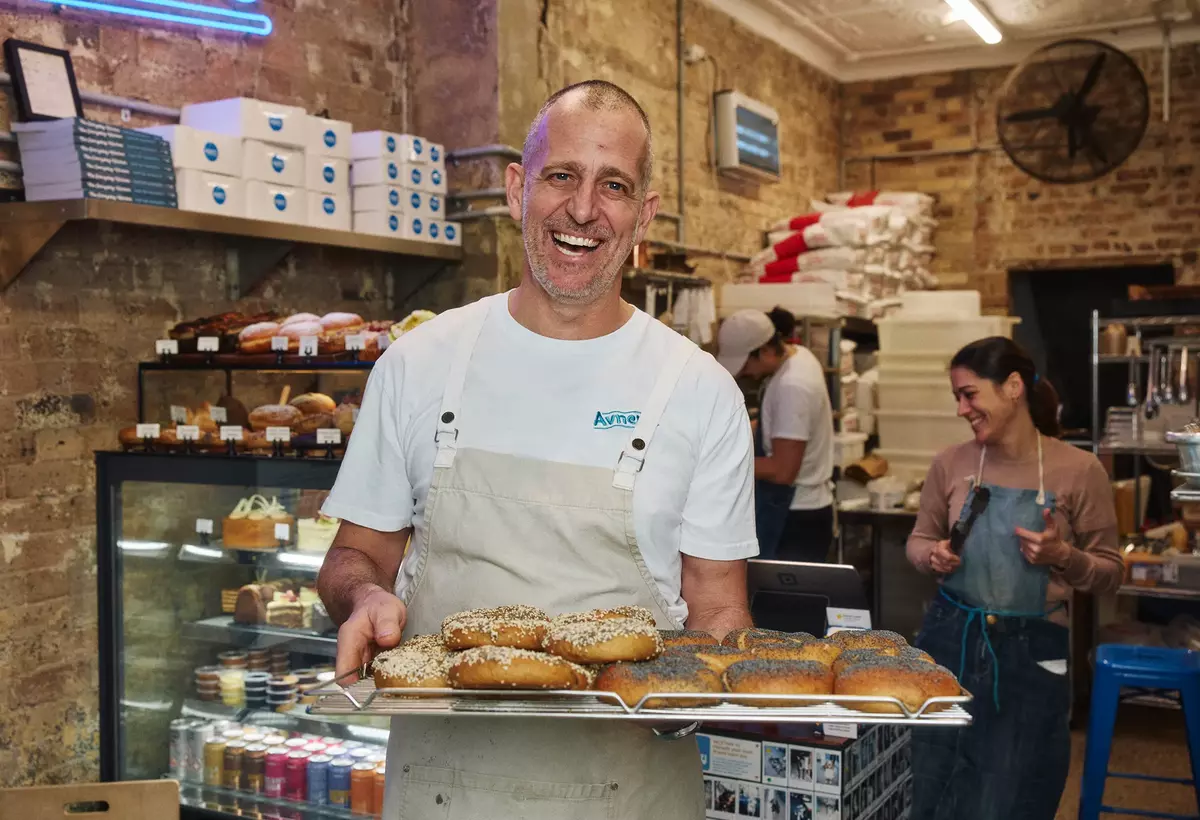
A smiling bakery owner holds freshly baked bagels in a warm, bustling neighborhood bakery
Representative photograph for Food & Beverage; it does not depict Drive-Thru specifically.

Built for your day-to-day

How it fits your business

Add optional vehicle details, manage the lane’s orders in a dedicated view, and use Send & Stay to start kitchen preparation while the rest of the order is still being entered. Choose supported POS devices for each station. Outdoor menu boards, confirmation screens, and the documented Order Confirmation System integration involve The Howard Company and must be scoped and priced separately.

Key capabilities

What you can do

  • A dedicated operational flow for the lane

    Square’s U.S. Drive-Thru offering is presented as a restaurant workflow from order placement through pickup. Square’s release notes describe a POS configuration that supports the arrival, order-entry, prep, payment, and handoff stages.

  • Optional vehicle details keep internal tickets distinguishable

    Staff can enter a vehicle color and type for a drive-thru order. Square shows those details in Order Manager and on KDS or kitchen tickets, while keeping them off the customer receipt.

  • Orders stay visible in a Drive-Thru queue

    When configured, drive-thru orders appear in both the standard order list and a dedicated Drive-Thru tab in Order Manager. The Drive-Thru fulfillment type is system-managed and can be automatically applied to the device operating in Drive-Thru mode.

  • Start kitchen work before the full order is closed

    With Send & Stay, staff can fire items to the kitchen during order entry and continue adding to the same ticket. Each send creates a separate kitchen batch with the same order identifier, so kitchen coordination remains necessary.

  • Use different device settings for different stations

    Square documents per-device fulfillment settings, allowing a location to set a drive-thru device apart from front-counter devices. The support setup also allows the mode and location-level fulfillment availability to be assigned selectively.

  • Review drive-thru service data alongside sales

    Square’s release notes describe speed-of-service reporting by channel, location, and daypart. Drive-thru orders also enter normal sales reporting and can be identified by fulfillment method where available.

Explore the details

Product details

What the Square Drive-Thru configuration does

Drive-Thru mode optimizes Square Point of Sale for drive-thru work. Enabling it creates the Drive-Thru fulfillment method, enables vehicle details for internal order identification, and creates a Drive-Thru Order Manager view. The order can also be run with the Drive-Thru fulfillment method without using Drive-Thru mode, but the dedicated mode automatically attaches the method to the configured device.
Supported stations and kitchen workflow

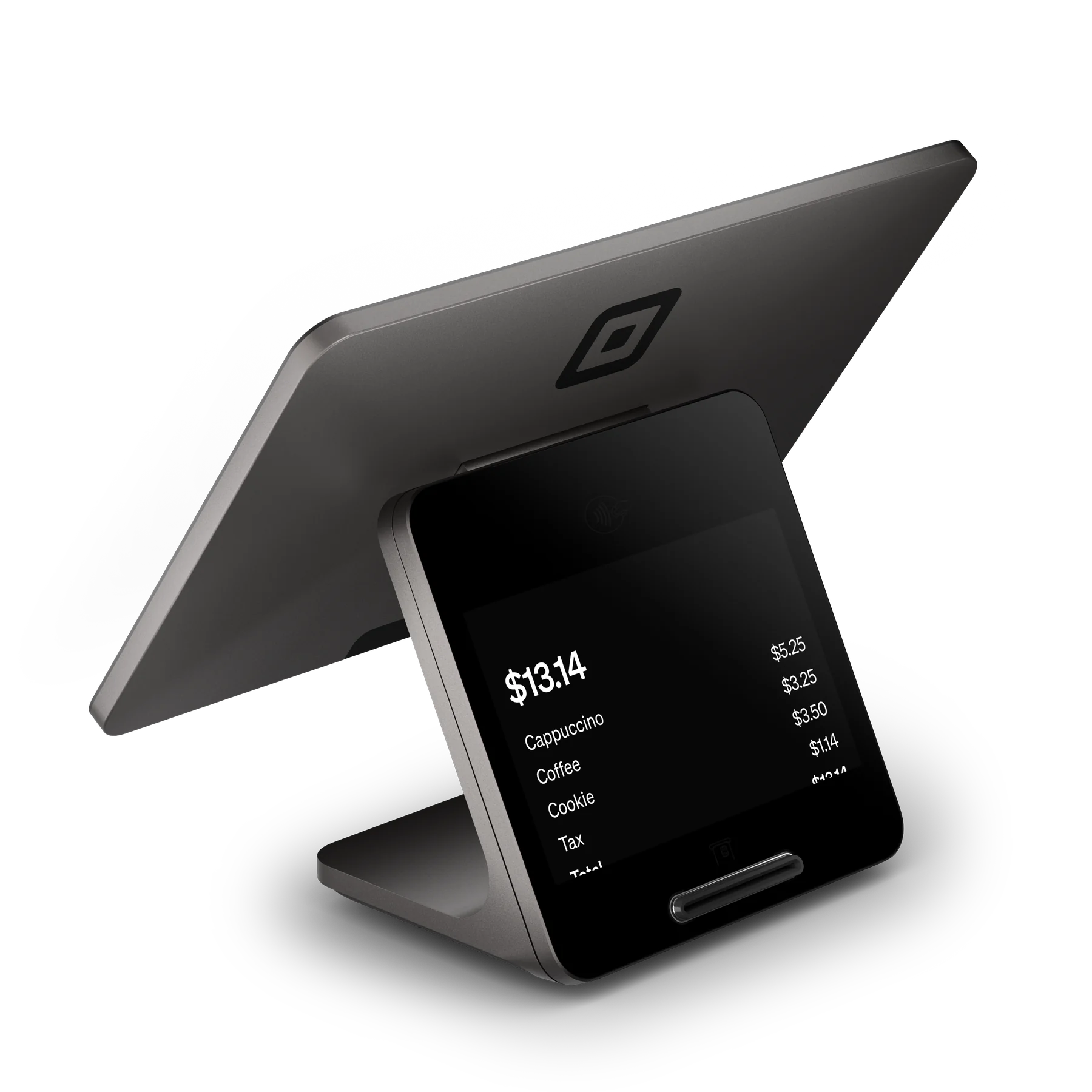
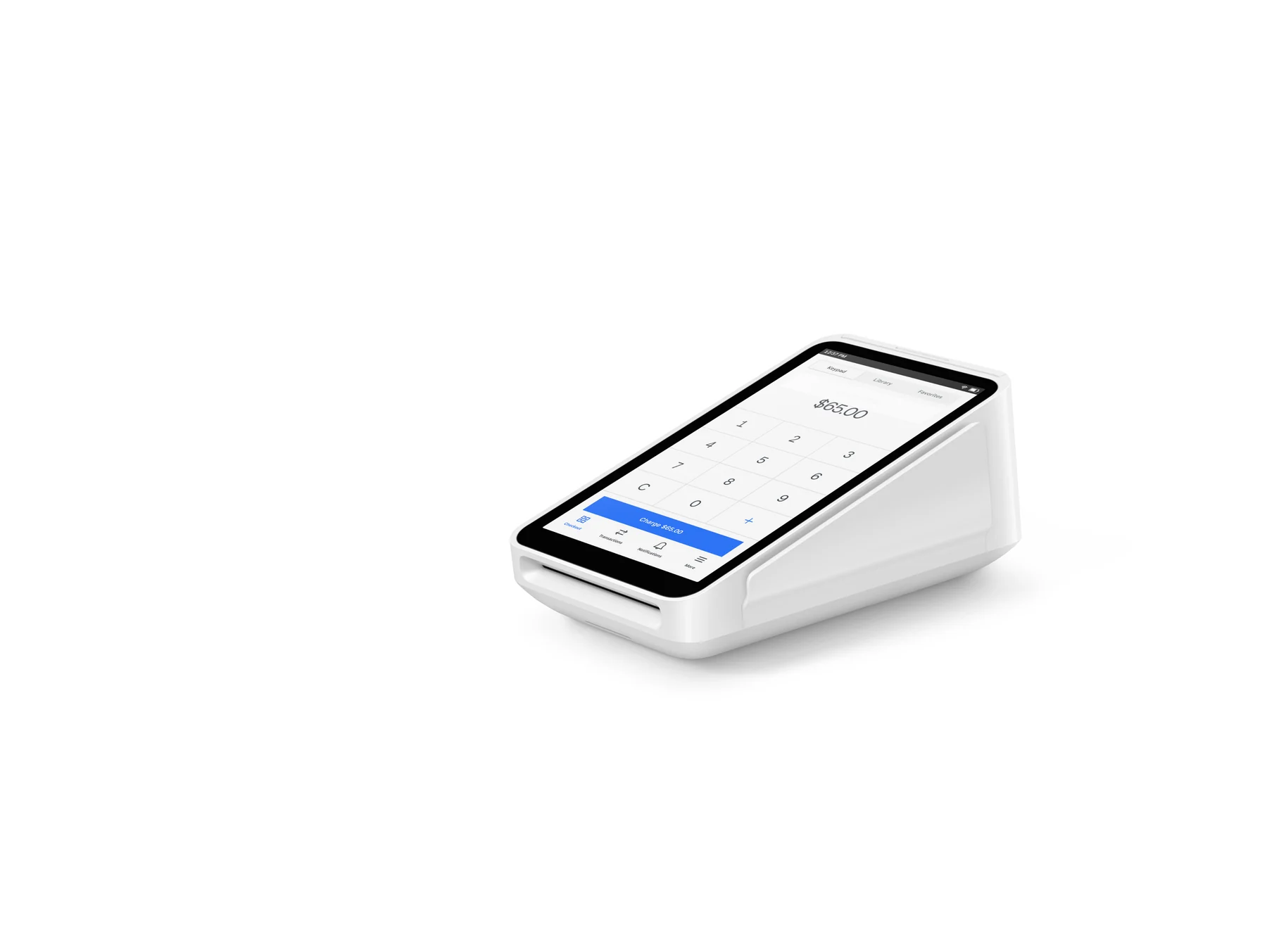
Square requires Square for Restaurants Premium for Drive-Thru mode and lists Square Register, iPad, and Square Terminal as supported POS devices. Send & Stay can run on Register, iPad, Handheld, Terminal, Android KDS, and kitchen-ticket printers; it is configured by device and Food & Beverage mode. It is intended to send items during entry rather than hold orders open for long periods.

Outdoor hardware is a separate partner decision

Square points operators to preferred pricing with The Howard Company for outdoor menu boards, confirmation screens, and signage. Its release notes say The Howard Company OCS hardware is required separately for the real-time digital-menu-board integration. Square’s hardware catalog lists its general POS devices, but does not present a Square-branded Drive-Thru lane system. Confirm the partner scope, compatibility, installation, and price directly before representing any outdoor equipment as part of a deployment.

Published Premium plan baseline

Square’s U.S. restaurant pricing page lists Square Premium at $149 per location per month and a 2.4% + $0.15 card-present processing rate. The page lists Square KDS at $20 per device per month on Premium. Square also states that businesses processing more than $250,000 annually can ask about custom pricing and fees. The published rates are a baseline, not a seller-specific quote, and outdoor partner hardware is not included in this plan price.

Square Drive-Thru requires the current U.S. Square for Restaurants Premium plan, published at $149 per location per month. The published Premium card-present rate is 2.4% + $0.15 per transaction. Square lists KDS at $20 per device per month on Premium if used. The Howard Company outdoor hardware and OCS integration are separate and must be scoped and priced independently; no Square Drive-Thru hardware bundle price is published.

Monthly software (USD)$149

Fees & eligibility

  • Square Premium subscription

    Published U.S. restaurant-plan price; Drive-Thru mode requires Square for Restaurants Premium. The monthly fee applies to each location.

    $149 per location per month
  • In-person tap, dip, or swipe

    Published U.S. Square Premium restaurant-plan rate for card-present payments; not a negotiated quote.

    2.4% + $0.15 per transaction
  • Square KDS app

    Published U.S. Premium price when KDS is used; billed in addition to the plan.

    $20 per device per month
  • The Howard Company outdoor hardware and OCS

    Square identifies The Howard Company as the partner for outdoor menu boards, confirmation screens, signage, and OCS hardware; Square does not publish a bundled Drive-Thru hardware price.

    Separate quote

Requirements

  • Drive-Thru mode requires a current U.S. Square for Restaurants Premium subscription.
  • Supported Drive-Thru mode POS devices are Square Register, iPad, and Square Terminal; a compatible, configured device and relevant account permissions are required.
  • Drive-Thru mode is assigned per device, and Drive-Thru fulfillment can be enabled by location where the business offers drive-thru service.
  • The Howard Company OCS hardware is required separately only for Square's documented real-time digital-menu-board integration.
  • Send & Stay is configured per device and Food & Beverage mode and should be tested with the kitchen's routing rules before go-live.

This is a current Square U.S. Drive-Thru configuration, not a separate Square hardware product. Square’s official documentation limits the workflow to Square for Restaurants Premium and supported POS devices.

The reviewed official sources do not establish Square-provided car detection, headsets, Square-branded order-board hardware, AI lane automation, or a dedicated Square drive-thru lane system. Do not promise these capabilities.

Outdoor menu boards, confirmation screens, signage, and the documented Order Confirmation System integration involve The Howard Company and must be separately quoted, installed, and confirmed for compatibility.

Vehicle color and type are optional internal identifiers. Square says they can appear in Order Manager and on KDS or kitchen tickets but not on customer receipts.

Send & Stay creates separate kitchen batches under one order identifier. It can improve the timing of kitchen sends, but it does not eliminate the need for a tested workflow or staff coordination.

Square’s U.S. plan prices, processing rates, feature availability, compatible devices, and partner arrangements can change. Reconfirm them before publication or purchase.

No claim is made about the YourSquareRep cash-discounting or 4% program. Any surcharge, dual-pricing, or cash-discounting implementation requires the supplied agreement and administrator confirmation plus applicable-law review.

Questions

Frequently asked questions

Does Square currently have a dedicated Drive-Thru offering in the United States?

Yes. Square has a current U.S. Drive-Thru page, a Drive-Thru POS mode, and setup documentation for the workflow. It is a Square for Restaurants Premium configuration with a dedicated Drive-Thru fulfillment flow, rather than a standalone Square hardware product.

What does a location need for Square Drive-Thru mode?

Square says Drive-Thru mode requires Square for Restaurants Premium, appropriate account permissions, and a supported Square Register, iPad, or Square Terminal device. The business can assign the mode per device and activate Drive-Thru fulfillment at selected locations.

Does Square supply the outdoor lane equipment or automation?

Square directs operators to The Howard Company for menu boards, confirmation screens, signage, and the separately required OCS hardware for its documented digital-board integration. The reviewed Square sources do not document Square-provided car detection, headsets, AI lane automation, or a Square-branded drive-thru lane hardware system, so those capabilities are not included in this record.

Sources & product information

Ready when you are

Talk through the options for your business.